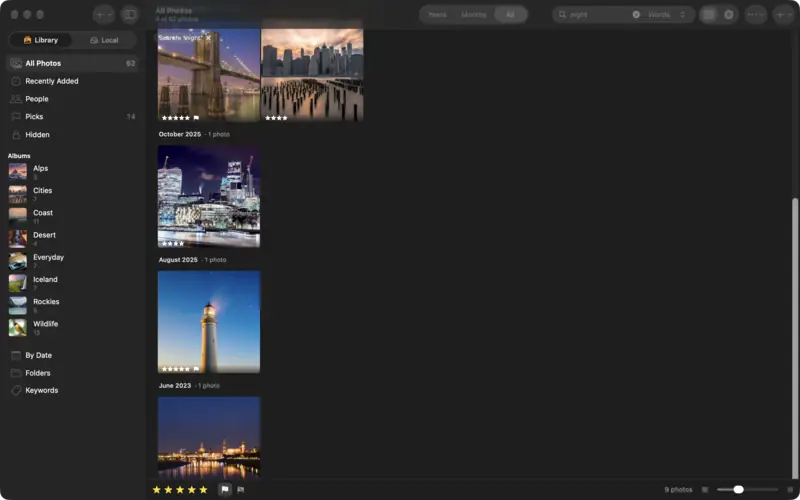
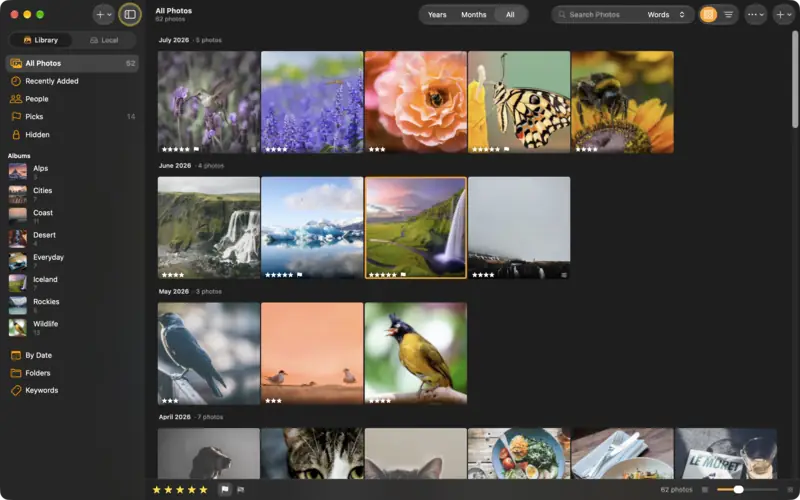
Step 1
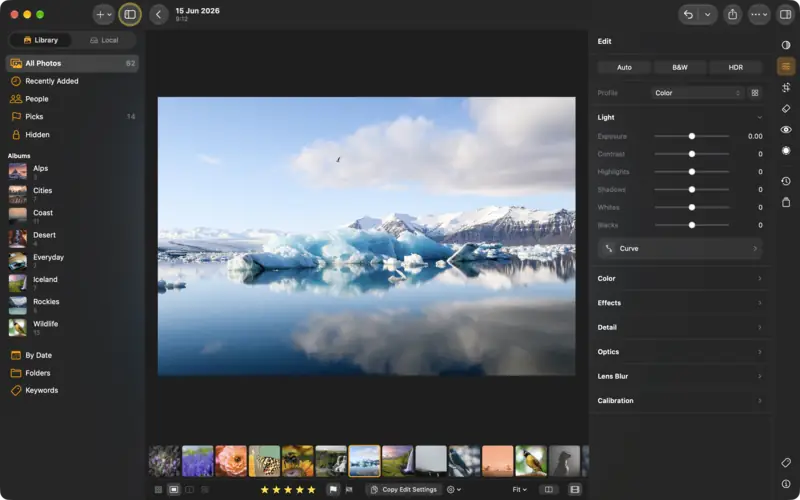
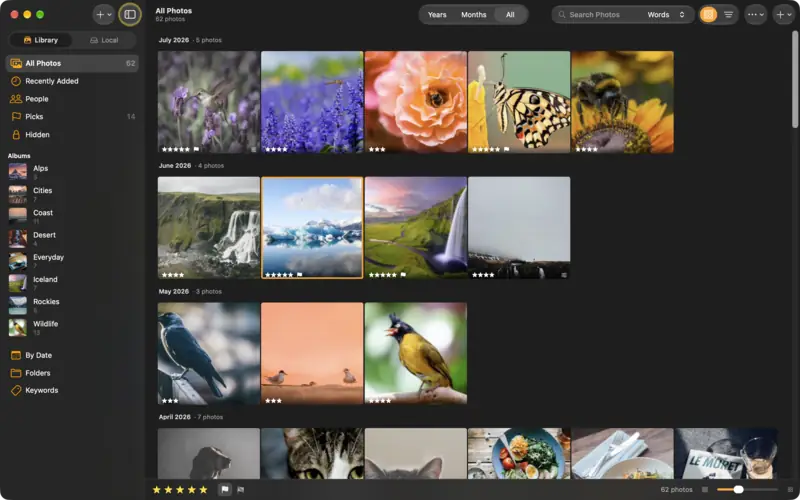
Rate and flag as you go
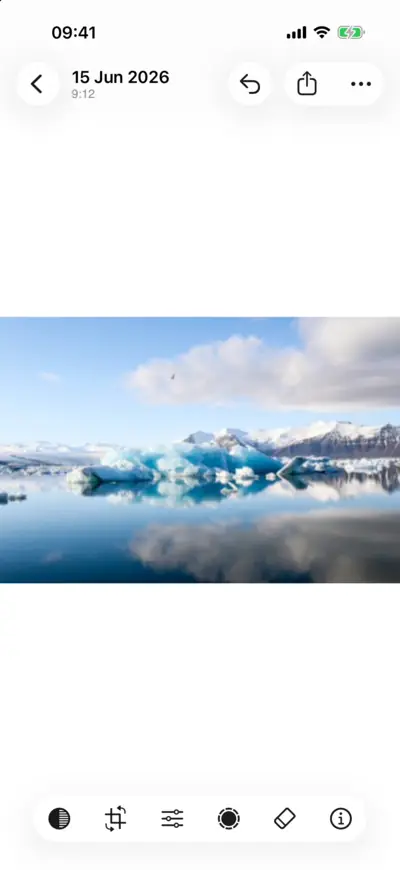
Step 1: Rate and flag as you go 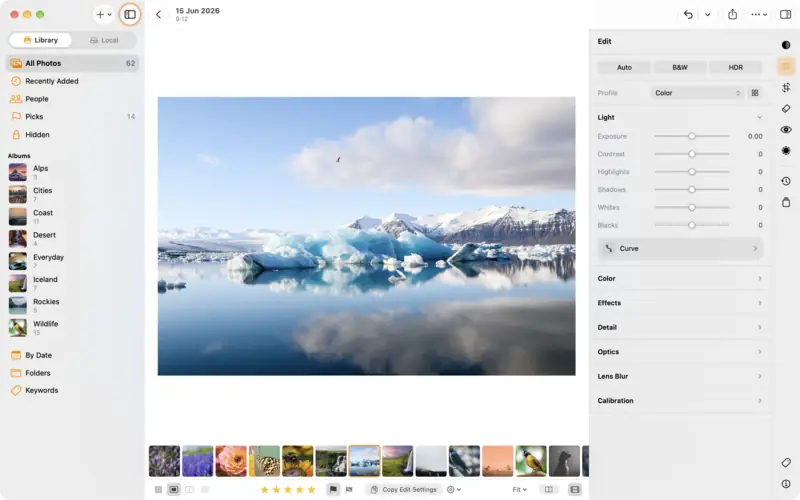
Step 1: Rate and flag as you go Step 2
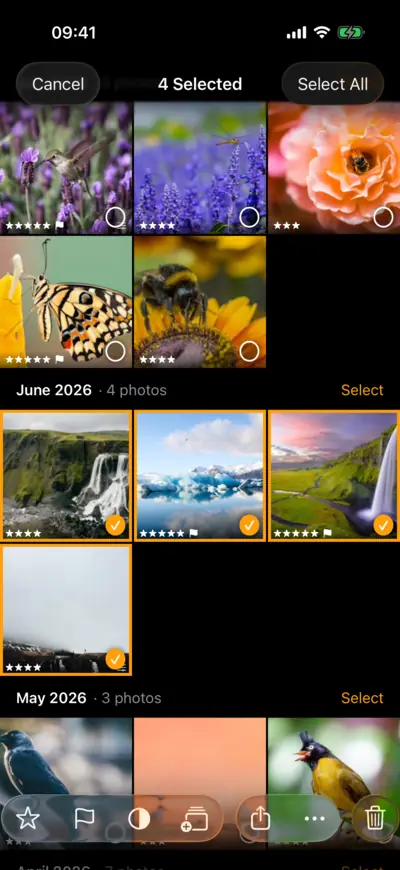
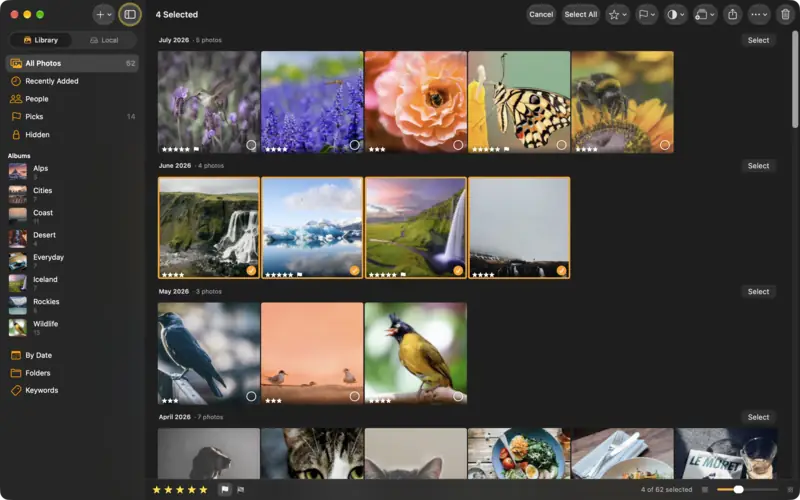
Do several at once
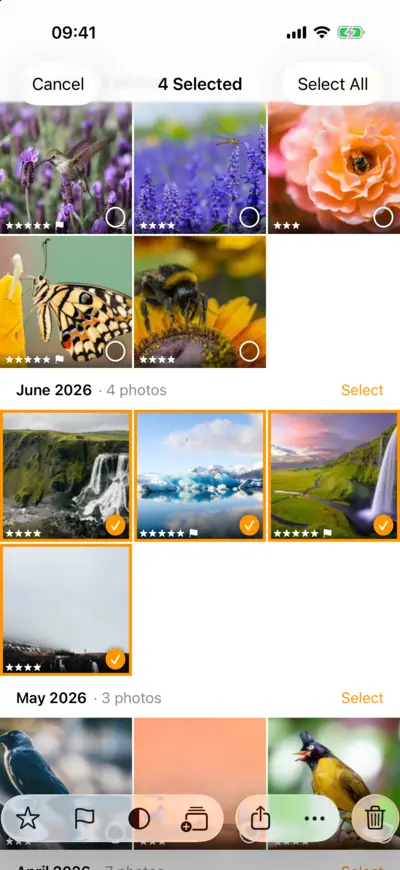
Step 2: Do several at once 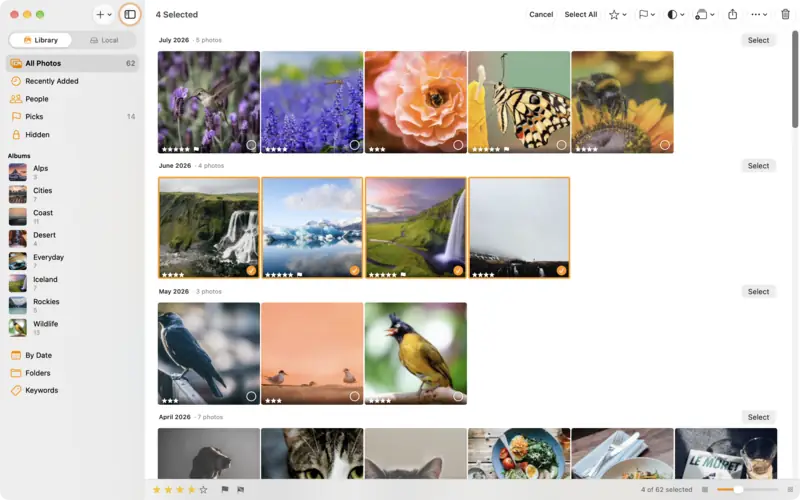
Step 2: Do several at once Step 3
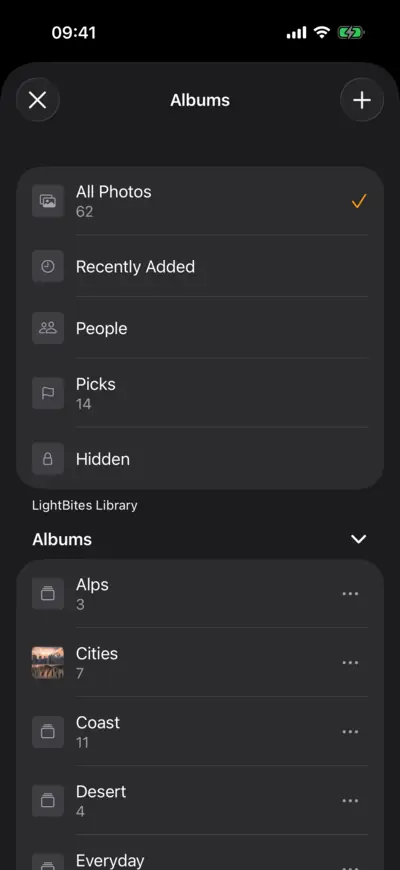
Make an album
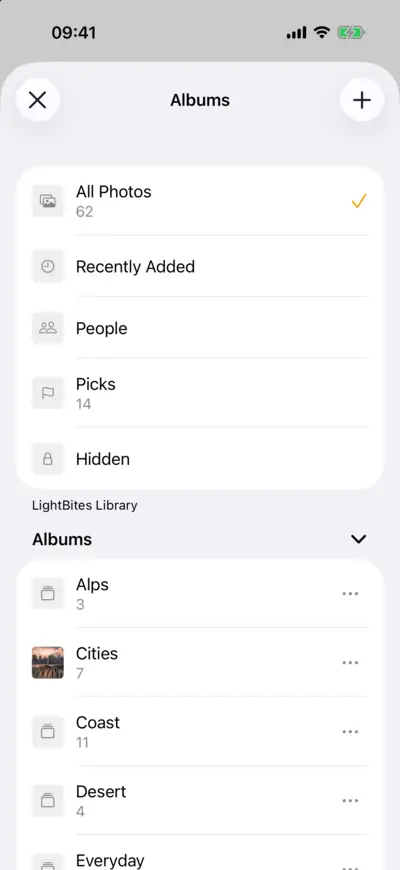
Step 3: Make an album 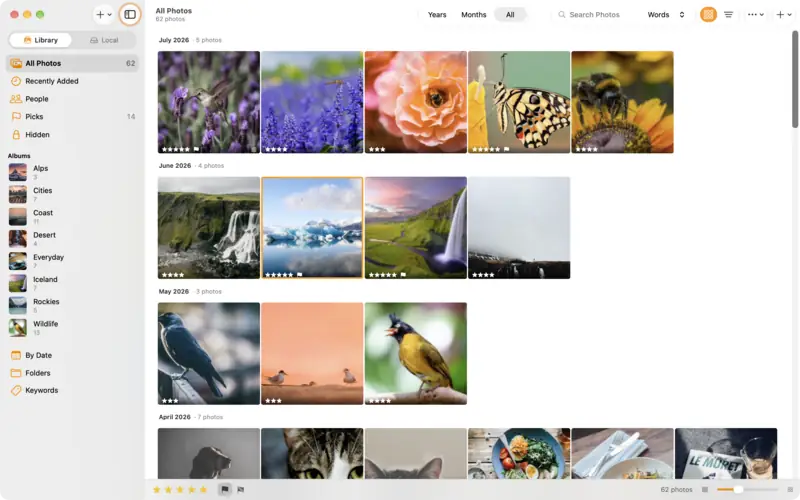
Step 3: Make an album Step 4
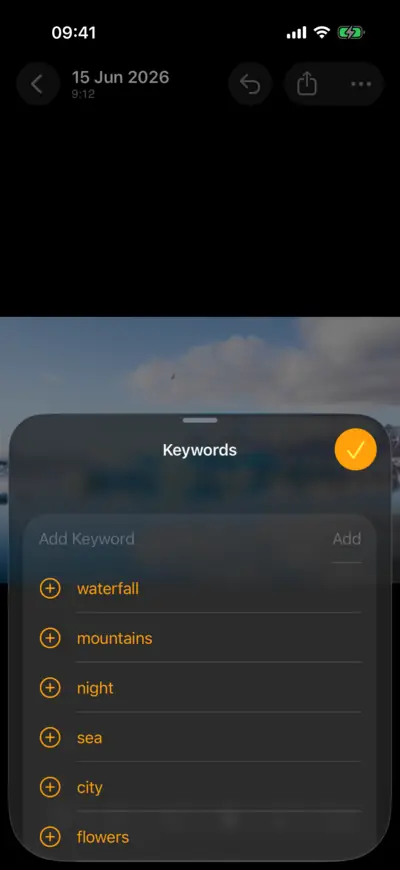
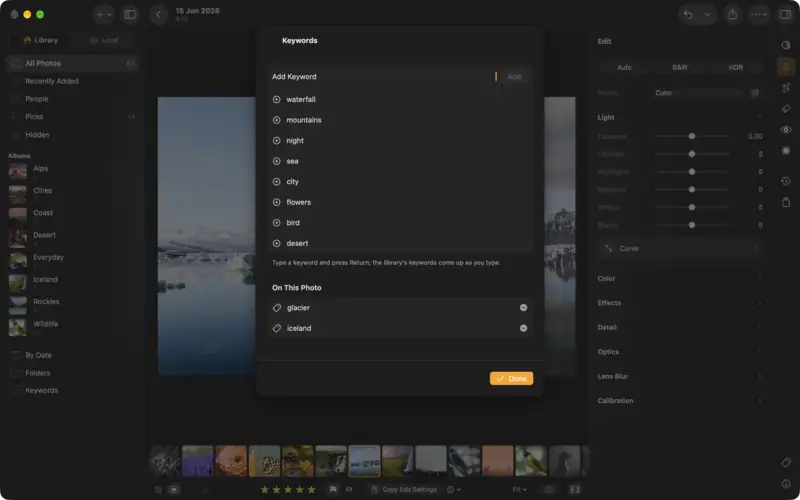
Add keywords
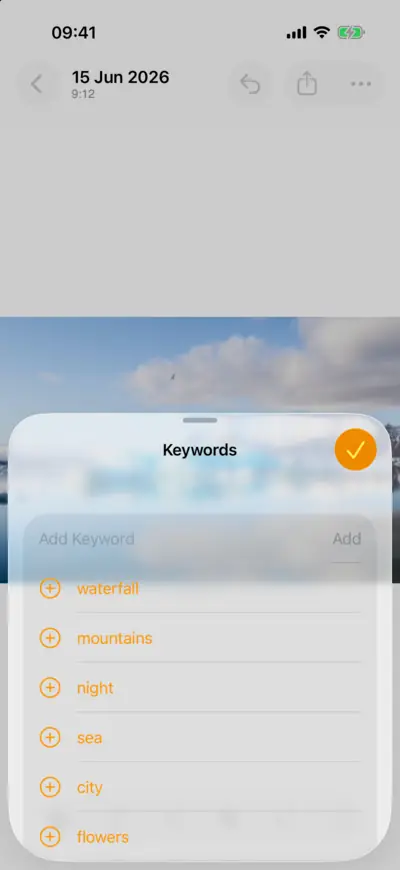
Step 4: Add keywords 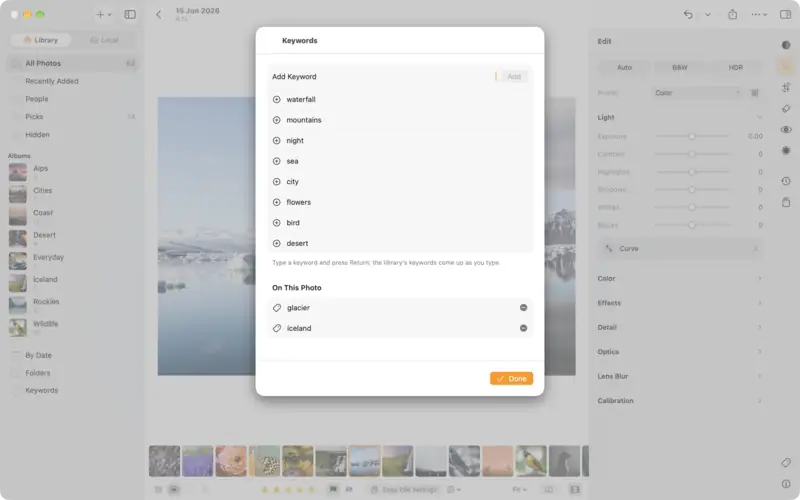
Step 4: Add keywords Step 5
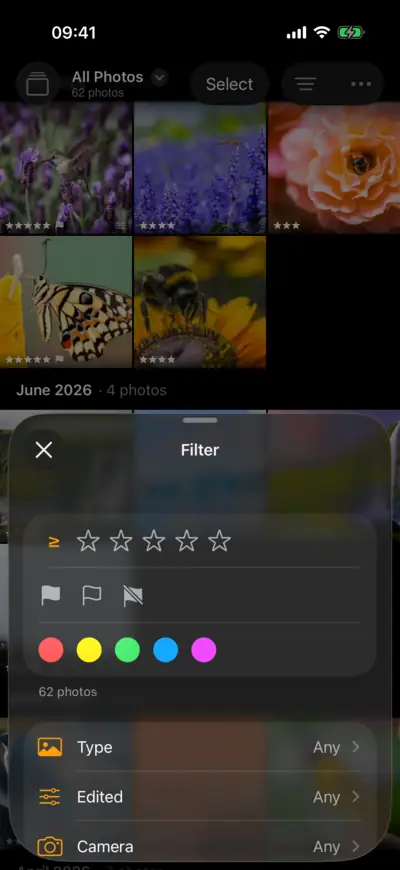
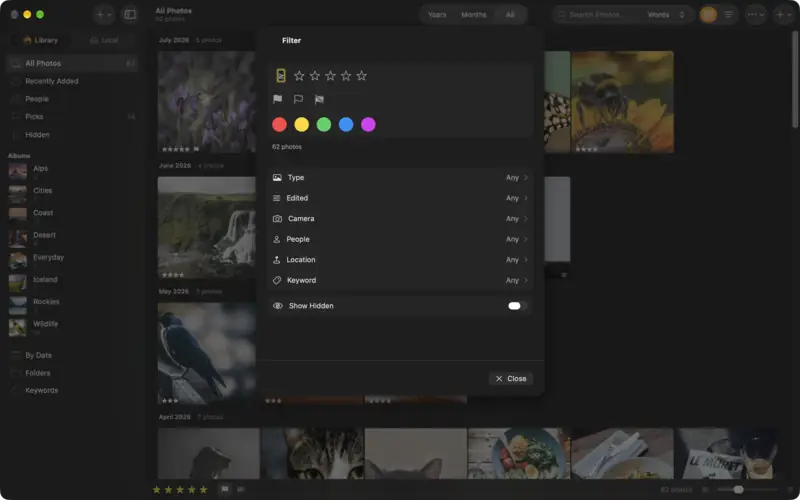
Show only the best
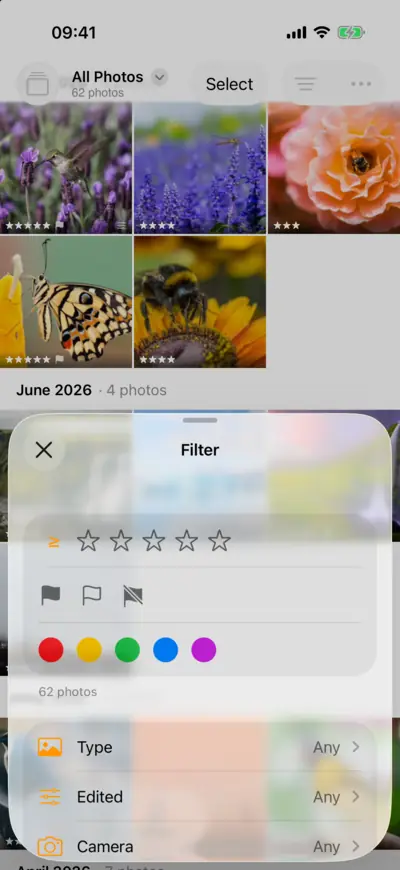
Step 5: Show only the best 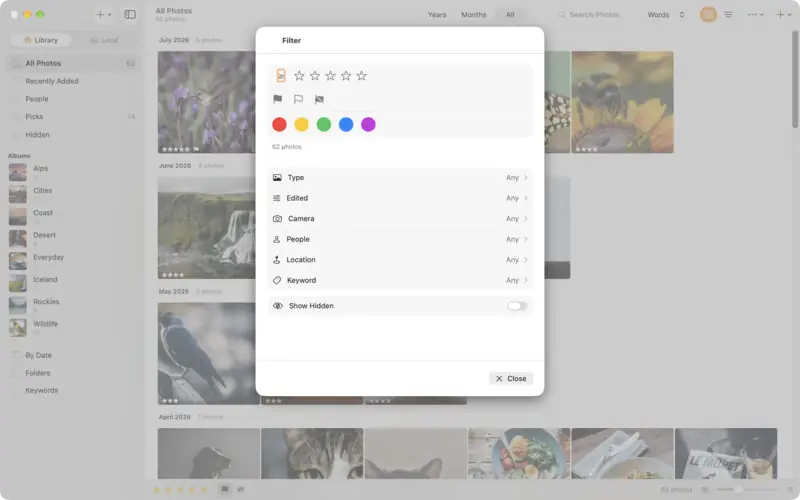
Step 5: Show only the best

Questions
A rating (one to five stars) says how good a photo is. A flag is a quick decision while you cull: Pick to keep, Reject to drop. Many photographers flag first and rate the picks.
Yes. They are standard XMP metadata: on a Mac, photos in Local folders get them in XMP sidecars that Lightroom and other editors read, and exports can include them.
Read next
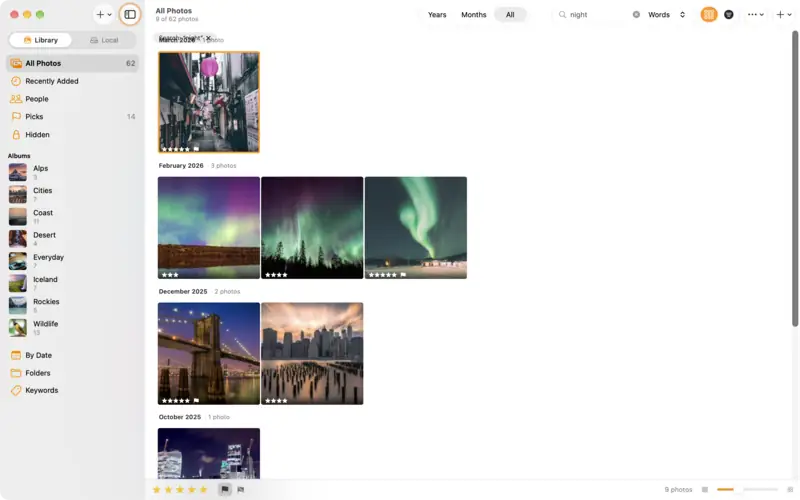
Find any photo with search
Find photos by place, date, camera or keyword, describe the one you remember, browse the map, and save a search as a smart album.
Beginner3 min
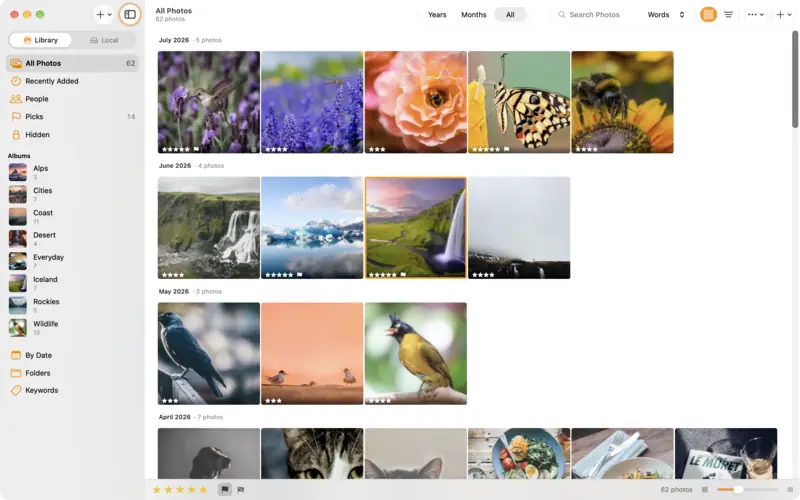
Get started with LightBites
Add photos from Photos, Files, a camera or a Mac folder, check what comes in, and find your way around the library.
Beginner3 min