
Every photo, sorted the way you think.
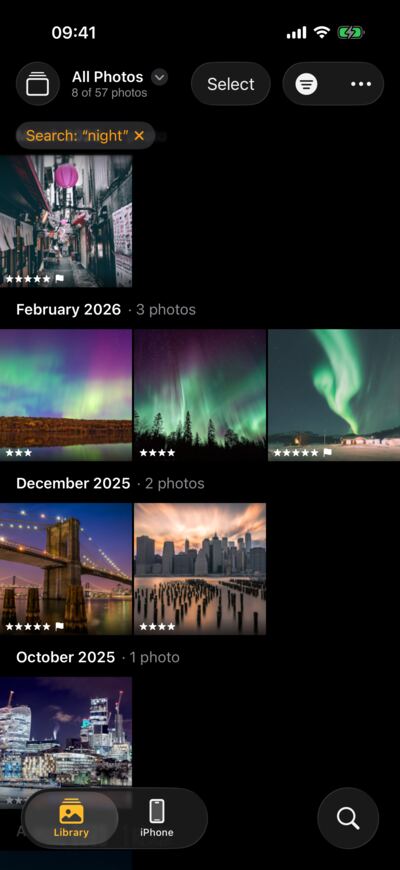
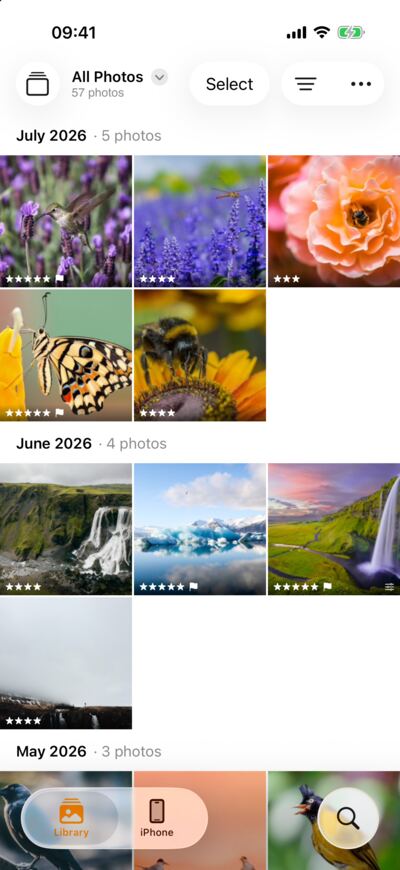
- Import from Photos, Files, a camera or a memory card.
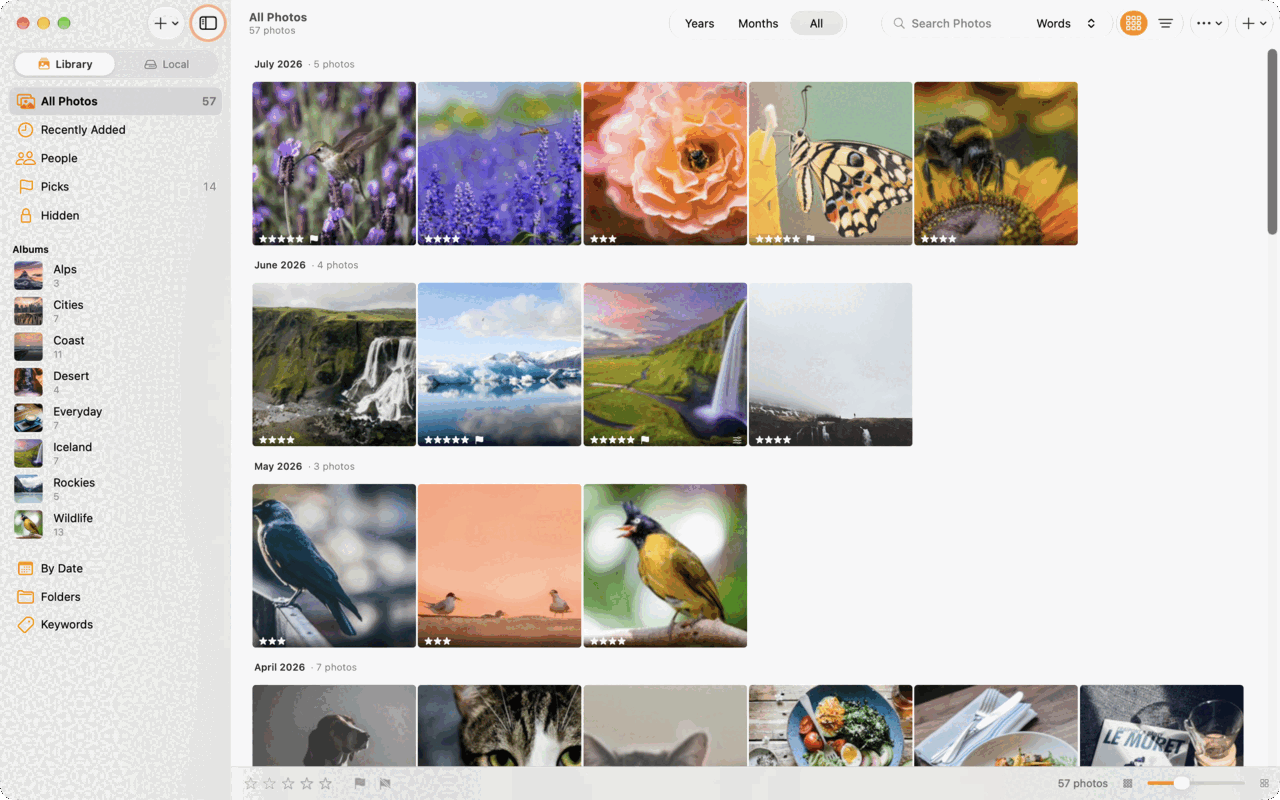
- Albums and folders, ratings, picks and keywords.
- Years and months at a glance, and a map of where you took them.
- A Hidden album that opens with Face ID.
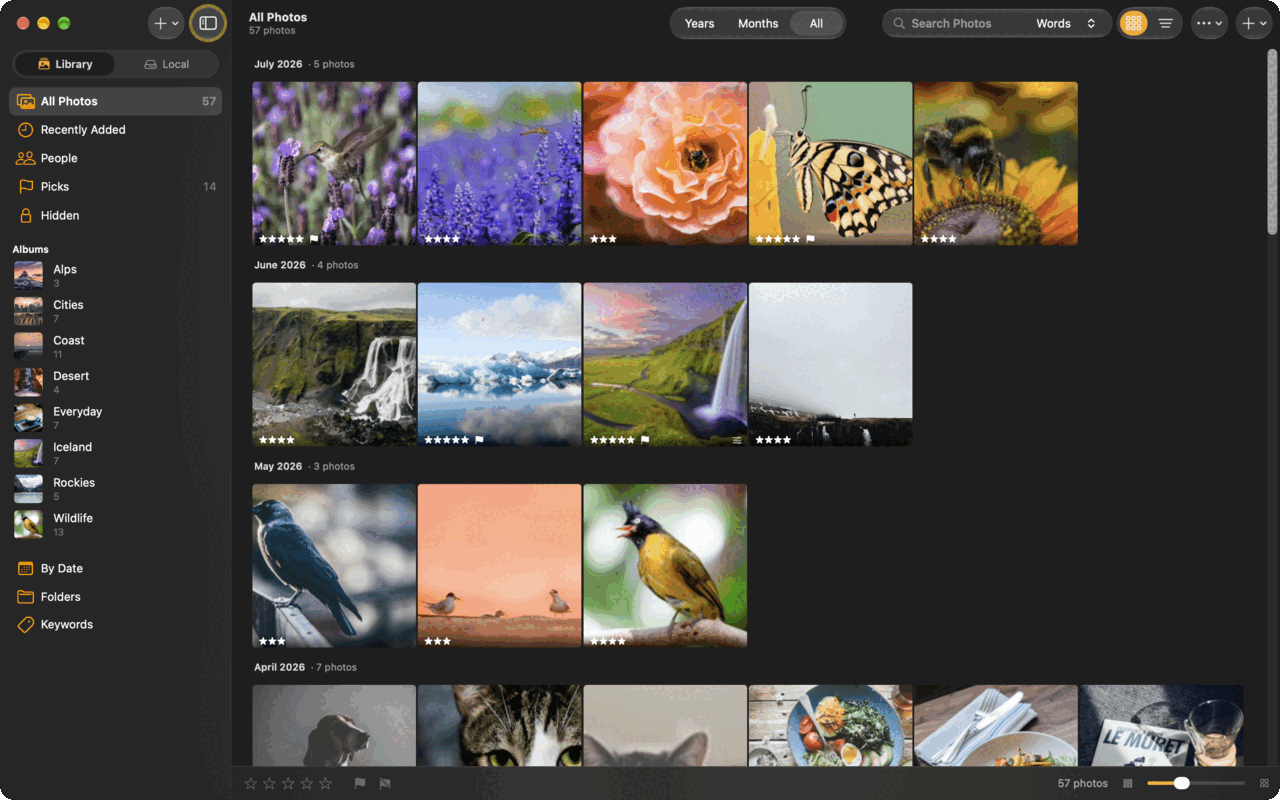
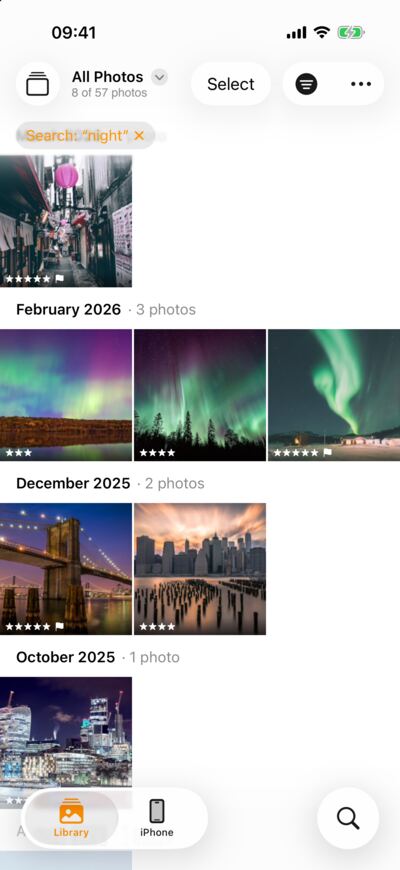
LightBites is a real competitor to Lightroom, written in Swift for iPhone, iPad and Mac. It is fast, easy on your battery and keeps your originals untouched. Keep a local library on your device, or sync every device through your own LightCraft server.


One library on every screen, in light or dark, kept in sync by your own LightCraft server. iOS 26 and macOS 26 or later.
Most photo editors run on a layer that works on every system. LightBites is written in Swift for iPhone, iPad and Mac, so it talks to your device directly.
Written in Swift for iPhone, iPad and Mac, not wrapped in a web page or ported from another system. Sliders follow your finger, big raw files open quickly and the grid scrolls smoothly.
It uses your device's own graphics chip and does the same work with less processor time. Your iPhone stays cooler, your battery lasts longer and your Mac's fans stay quiet.
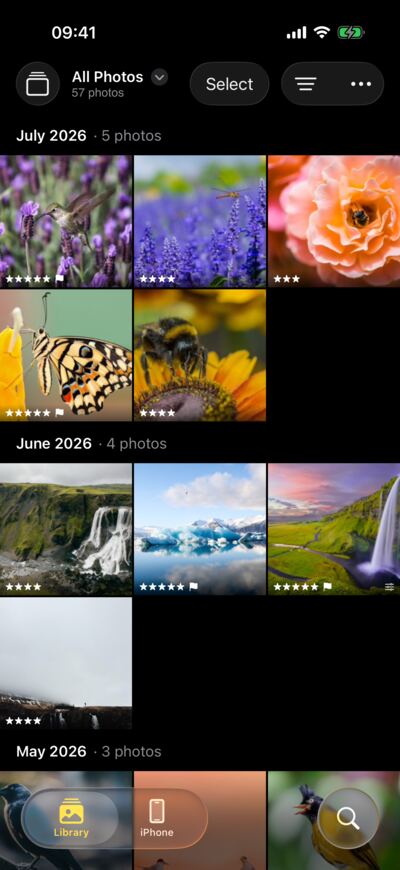
Made for each device: touch on iPhone and iPad, a sidebar and keyboard shortcuts on the Mac, with Face ID, the share sheet and Dark Mode working as you expect.
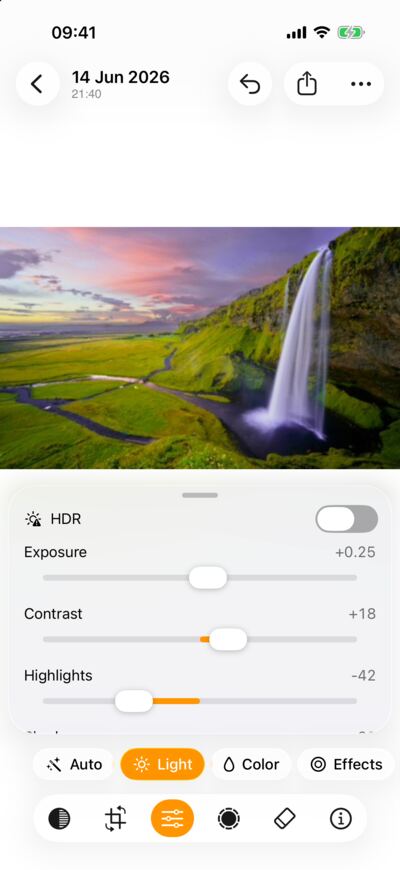
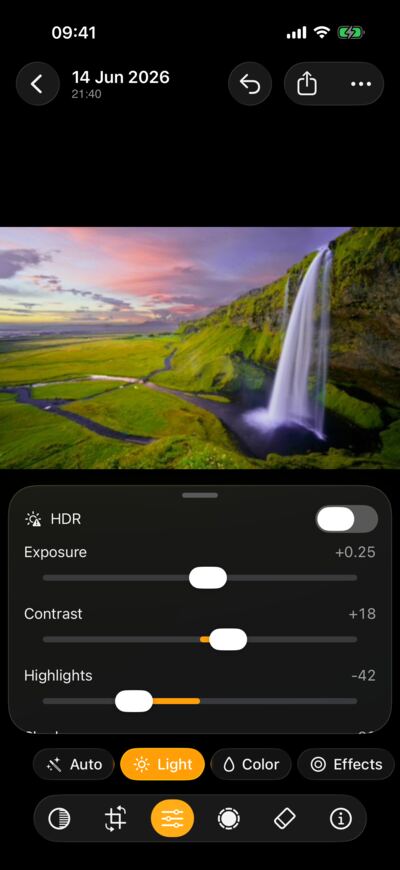
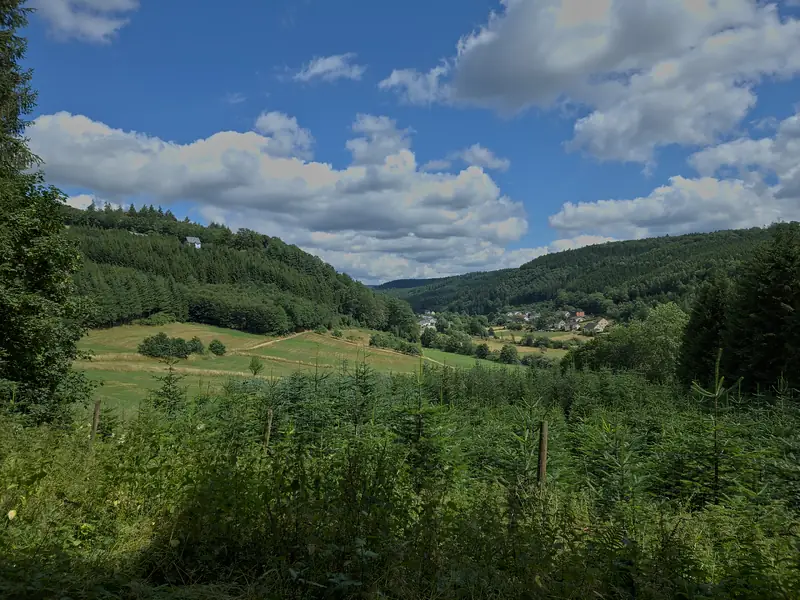
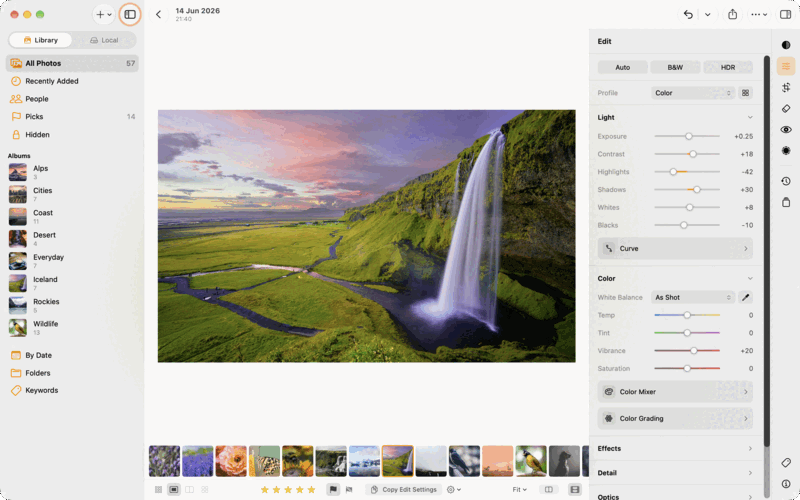
Exposure, tone curves, colour mixer and local masks, with a live histogram, on the full raw file. Try four of the sliders here.


Your photos stay on your own hardware.
photos.home.lan
LightCraft server · up to date
Libraries
Devices
This page does it too. Try it:


Edits are kept beside the photo, never written into it. Undo anything, any time.
Canon CR3, Apple ProRAW and other DNG files, with the camera's own look as a start.
Edit and view HDR photos at full brightness on displays that show it.
Import your own presets and colour profiles, preview them, keep them in sync.
Written natively for macOS: keyboard shortcuts, a sidebar, a grid you can pinch. Not a phone app on a big screen.
With a LightCraft server, send an album as a link. People open it without an account.
Any size, straight to the share sheet, Photos or Files.
Everything runs on the device. The internet is only for downloads you ask for.
The Mac app can be driven from a shell script, a test or an AI assistant such as Claude, through a connection that never leaves your computer. Run any command, press any button, read the result. The docs cover the protocol, every command and control, MCP setup and recipes.
# Let an assistant drive the app
claude mcp add lightbites -- lightcraft-cli mcp --connect 127.0.0.1:18731
# Or talk to it directly
echo '{"id":1,"method":"host.state"}' | nc -w 2 127.0.0.1 18731The roadmap is public: what is being built now, what is up next and what is further out, kept up to date as the work moves. Have an idea? Suggest it, or vote for one that is already there.
Being built and tested.
The first builds go out to testers on iPhone, iPad and Mac. Leave your email on the home page and you will hear when it opens.
Import clips with your photos and play them in the loupe. Trim them, pick the poster frame, preview your edits and export at full size, 1080p or 720p.
No server of your own? iCloud carries your presets, settings and edits between your iPhone, iPad and Mac, and can keep your photos in iCloud Drive. What on-device search found travels too, so your phone finds the faces and words your Mac found.
Up next, roughly in this order.
LightBites on the App Store for iPhone, iPad and Mac. Free to download, with a 7-day trial of LightBites Pro and one purchase for all three. No subscription.
Measured colour profiles for the most popular cameras, so a raw file opens looking the way it did on the camera's screen, before you touch a slider.
Compressed ORF files open as full raw files you can develop, not only as their previews.
On the list, further out.
Select the subject, the sky or a person in one tap, worked out on your device by a model you download once.
Full raw decoding for NEF files saved in Nikon's High Efficiency modes, which open as previews for now.
Distortion, vignetting and colour fringing corrected automatically for more lenses, from profiles we measure ourselves.
Search, People and Remove run on your device. The few things that do go online, like map tiles and model downloads, are listed in the privacy policy.
Free to download and to edit with. Exporting and sharing come with LightBites Pro: one purchase after a free 7-day trial, on iPhone, iPad and Mac. No subscription.
Tell me when it is out
LightBites for iPhone, iPad and Mac.