Step 1
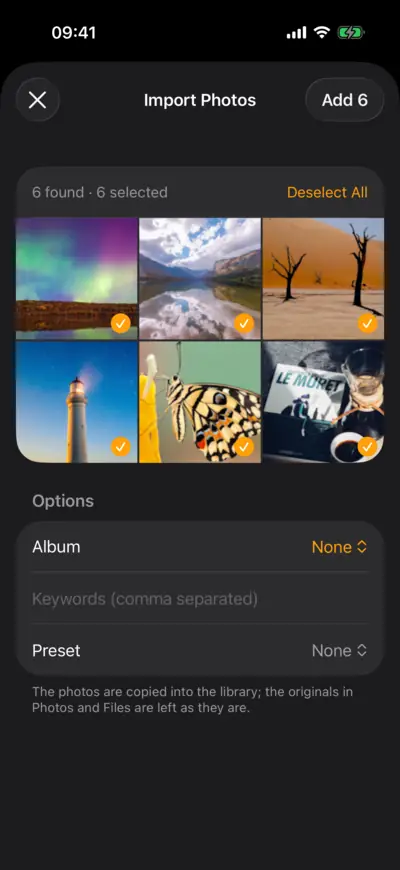
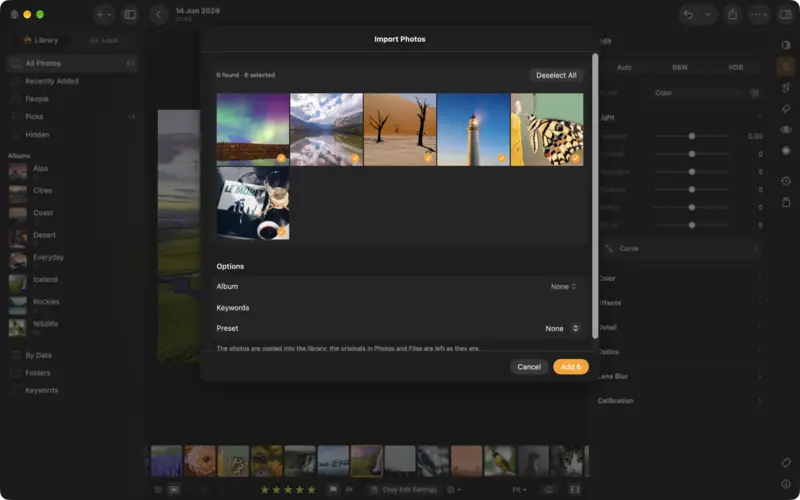
Add your photos
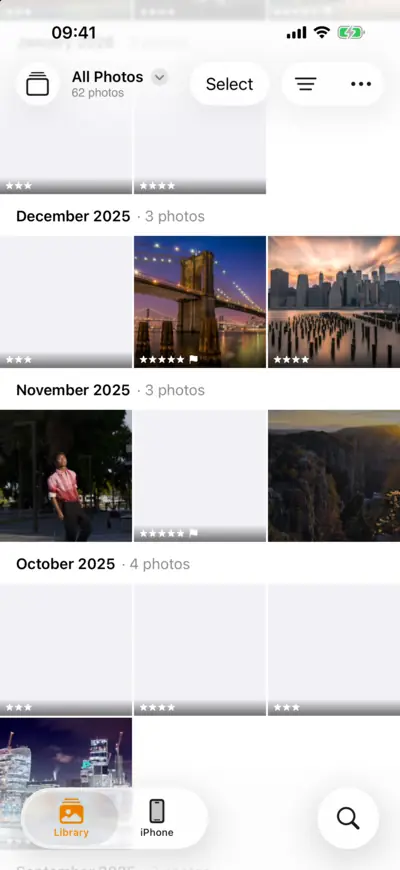
Step 1: Add your photos 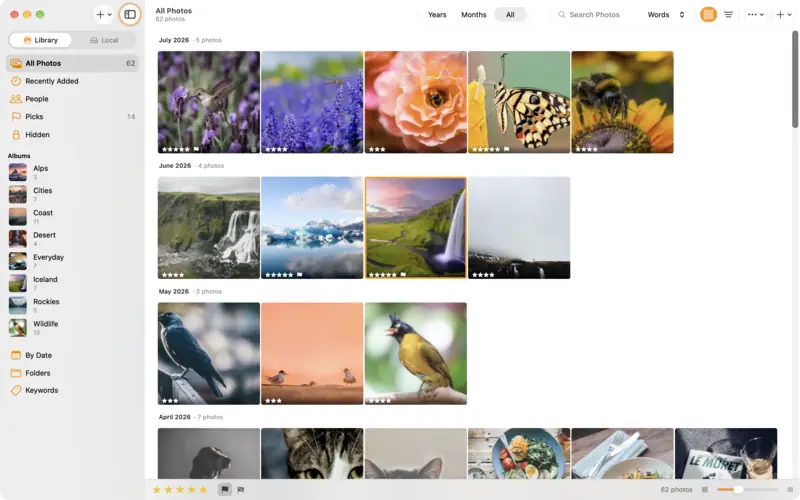
Step 1: Add your photos Step 2
Check what comes in
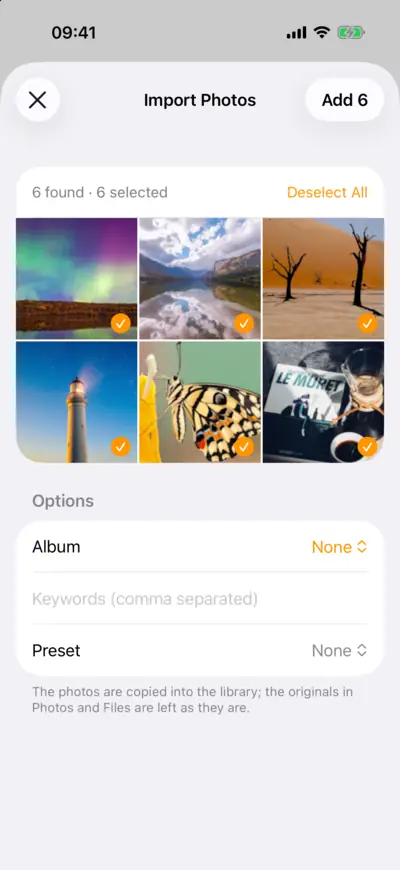
Step 2: Check what comes in 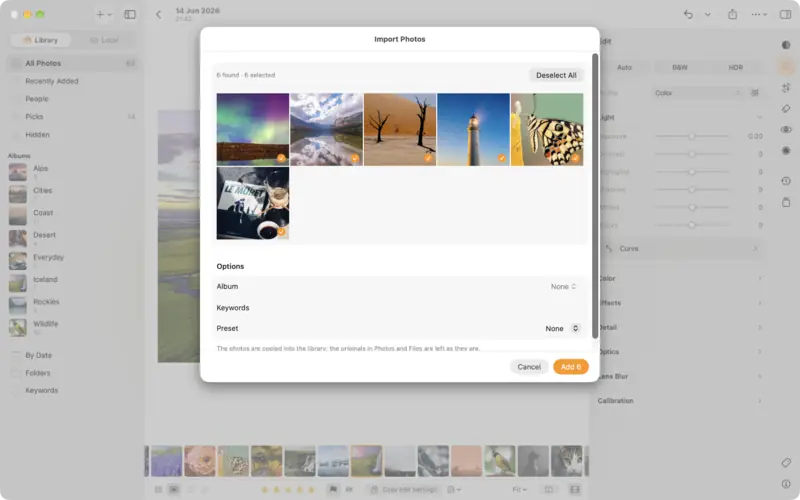
Step 2: Check what comes in Step 3
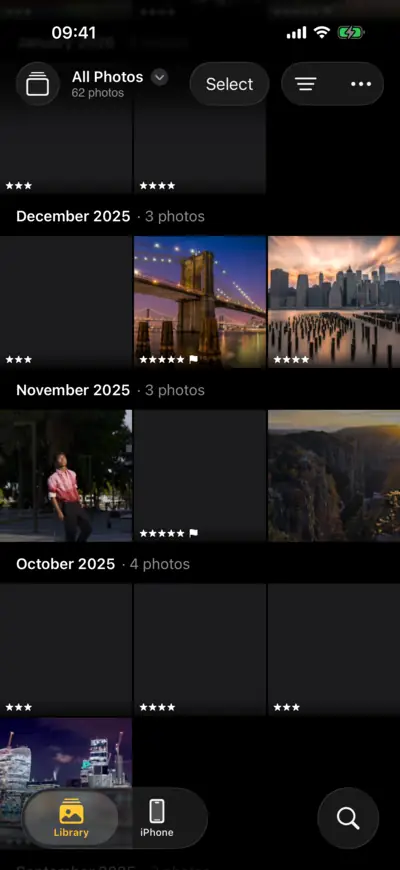
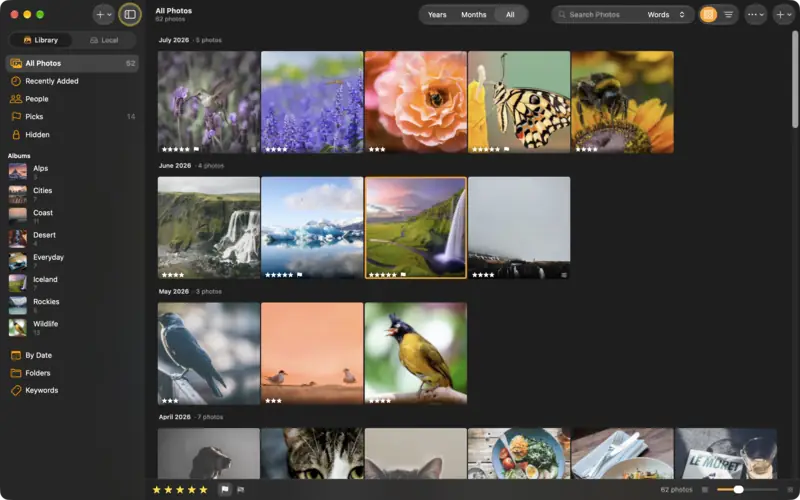
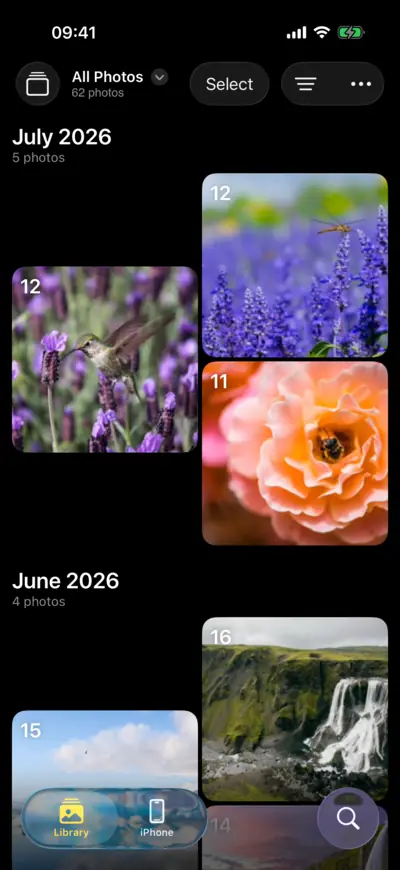
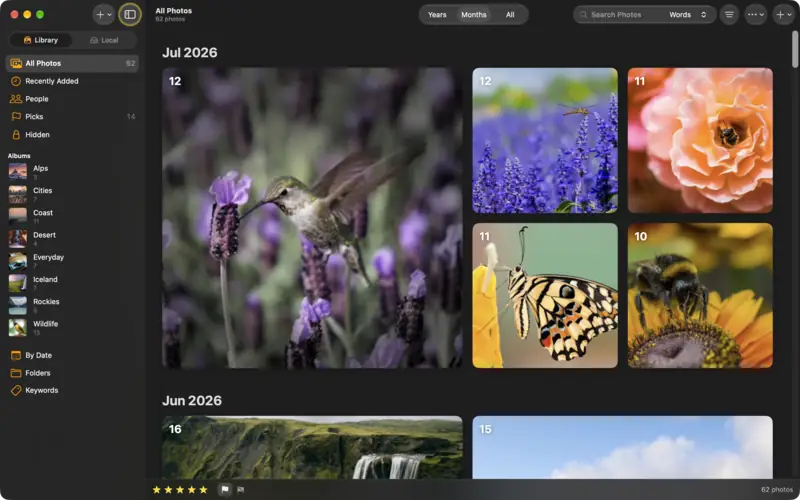
Find your way around
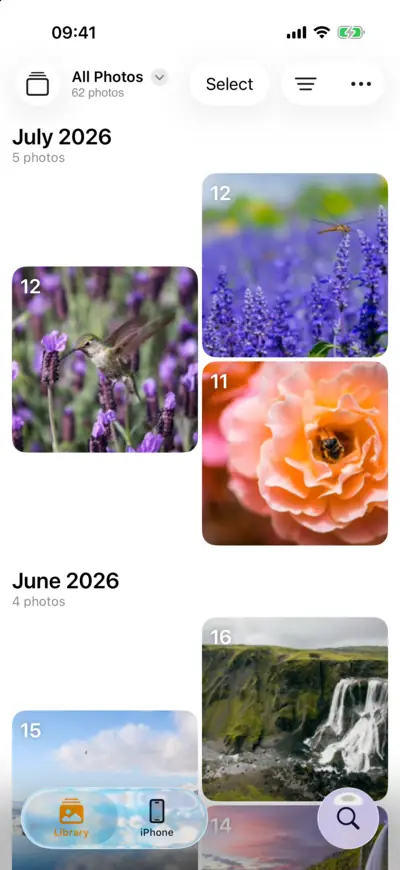
Step 3: Find your way around 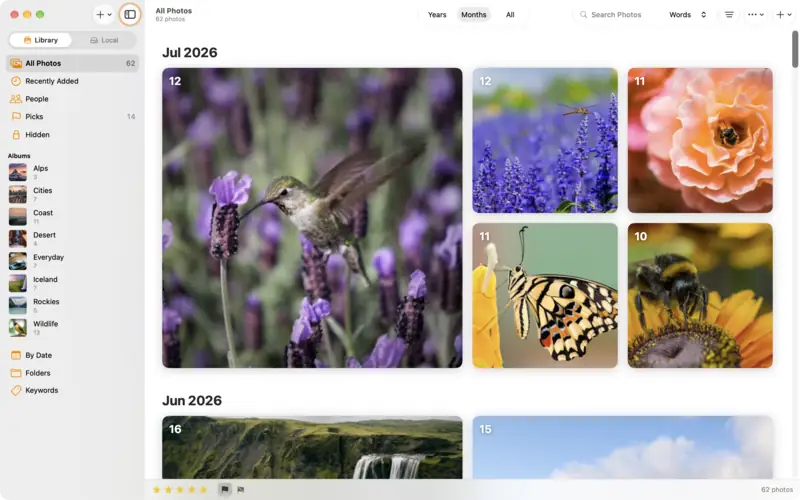
Step 3: Find your way around Step 4
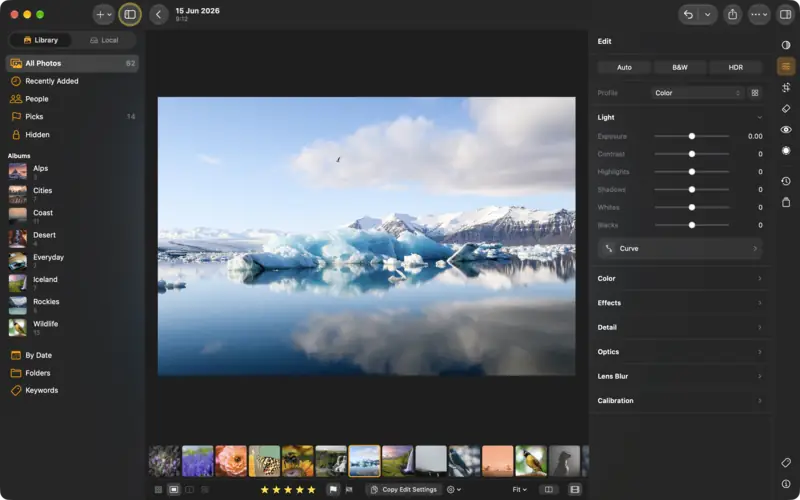
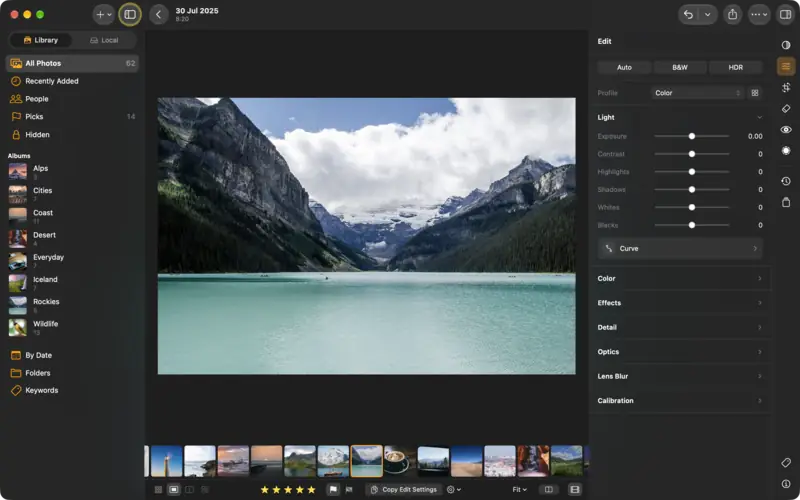
Open a photo
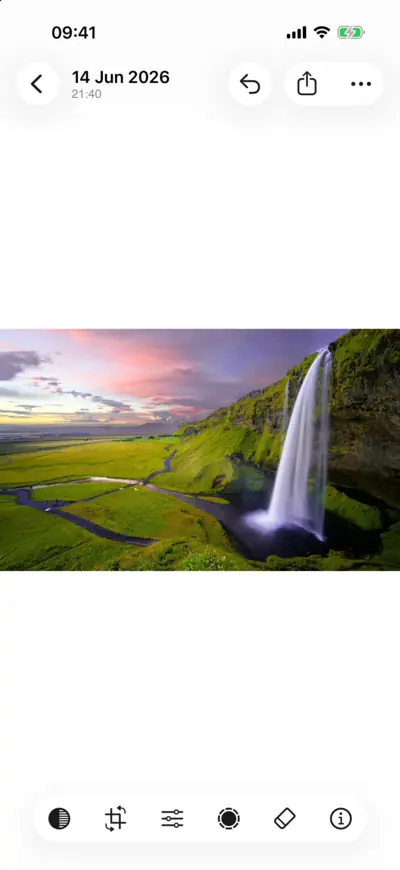
Step 4: Open a photo 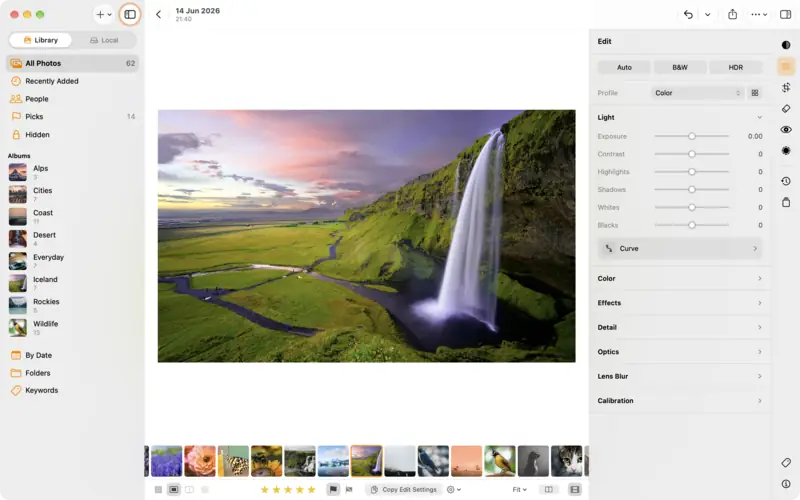
Step 4: Open a photo
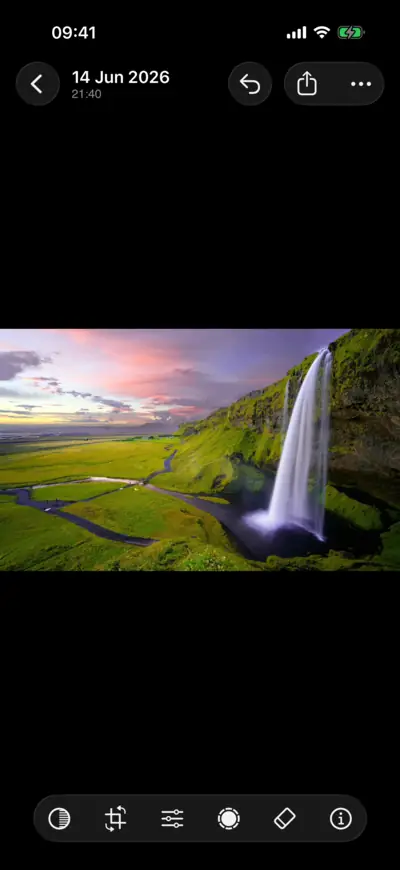
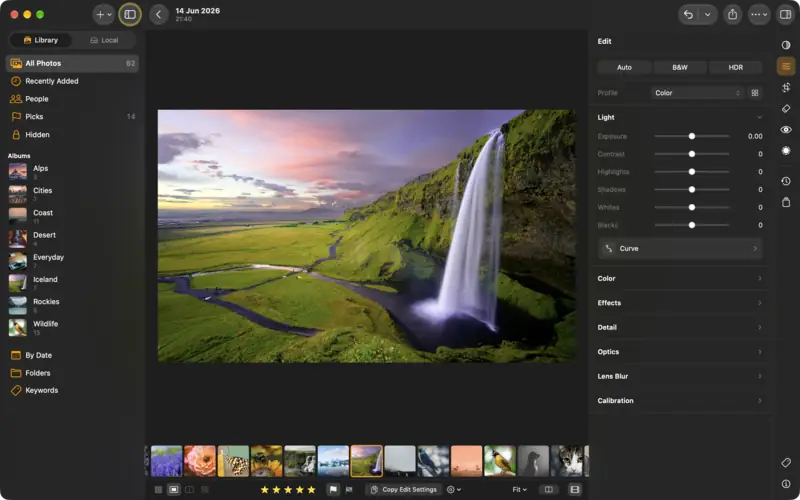
Questions
No. Your originals are left as they are. Edits are stored as instructions beside the photo and applied when it is shown or exported, so you can always go back.
Raw files from many cameras, including Canon CR3, Apple ProRAW and other DNG files, as well as JPEG, HEIC, PNG and TIFF.
No. On iPhone and iPad the iPhone (or iPad) tab shows your Photos library without importing it, and a picture joins your LightBites library only when you change it. On a Mac, Local does the same for your Photos library and your folders.
Read next
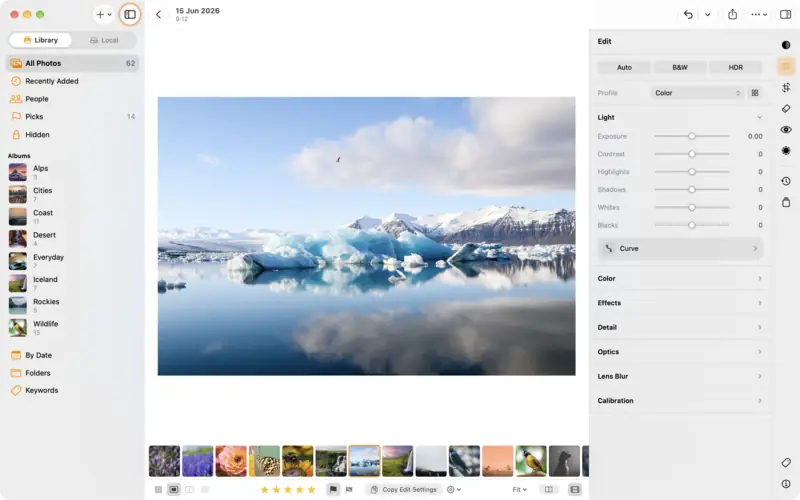
Rate, flag and sort your photos into albums
Cull a shoot fast with stars and flags, group photos in albums, add keywords, and filter the library down to your best.
Beginner4 min
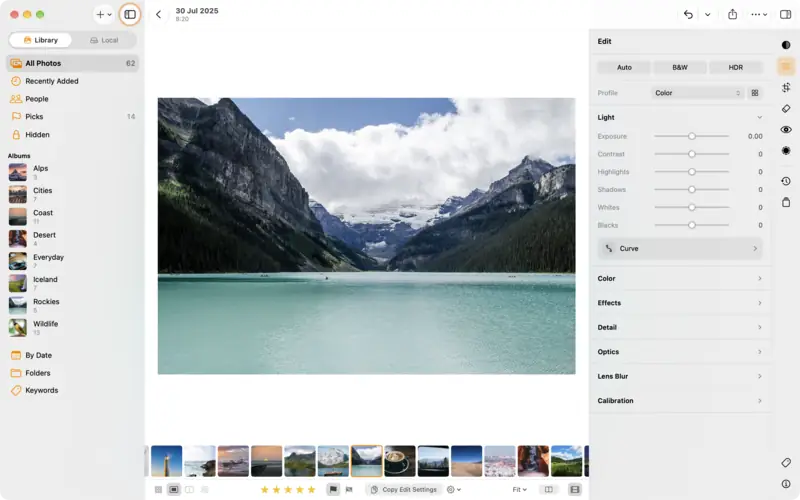
Edit a photo: the basics
The editor in five minutes: the edit groups, Auto, the Light and Color sliders, comparing before and after, undo, and dials or sliders.
Beginner5 min