Guides
Learn LightBites. Edit like a pro.
Short, step-by-step guides with screenshots from iPhone and Mac. The editing guides start from a real raw file: download it with the finished settings, and follow along in LightBites.
Edit like a pro
Real raw files, edited step by step. Download the photo and the finished settings, and follow along.
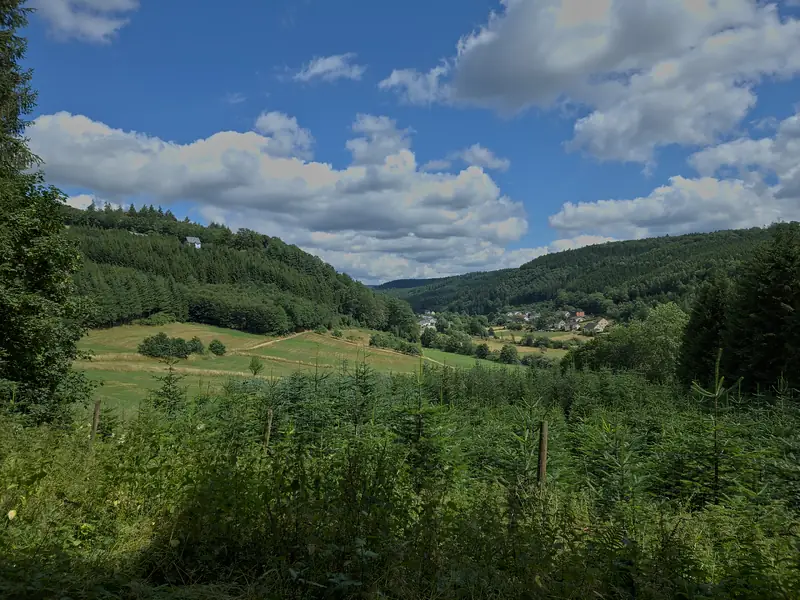
How to edit a raw photo, in the order the pros do
A raw file is where a great photo starts. The order to work in, from profile and white balance to tone, colour and sharpening, with a raw file to practise on.
Beginner8 min Raw + settings
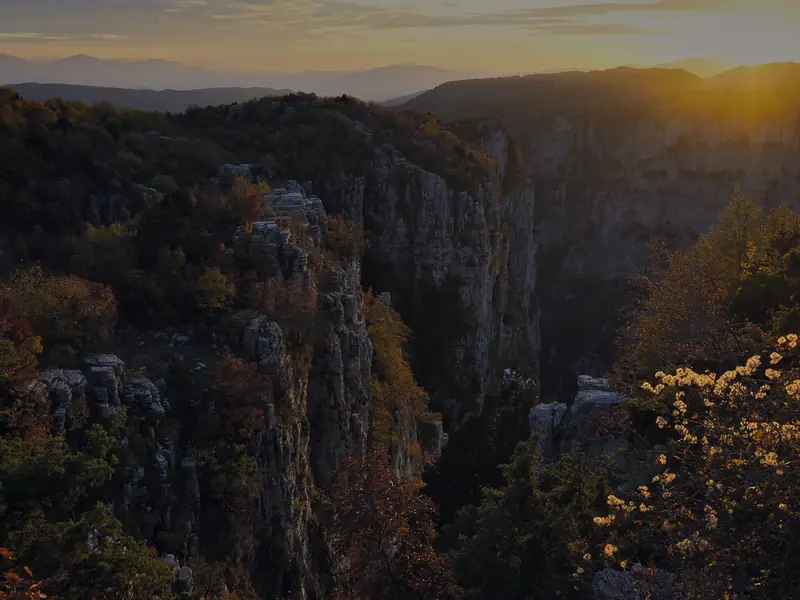
How to edit a sunset photo
Bring back a burnt-out sky, lift a dark foreground, and keep the warm glow of a sunset without making it look fake. With the raw file to follow along.
Intermediate7 min Raw + settings
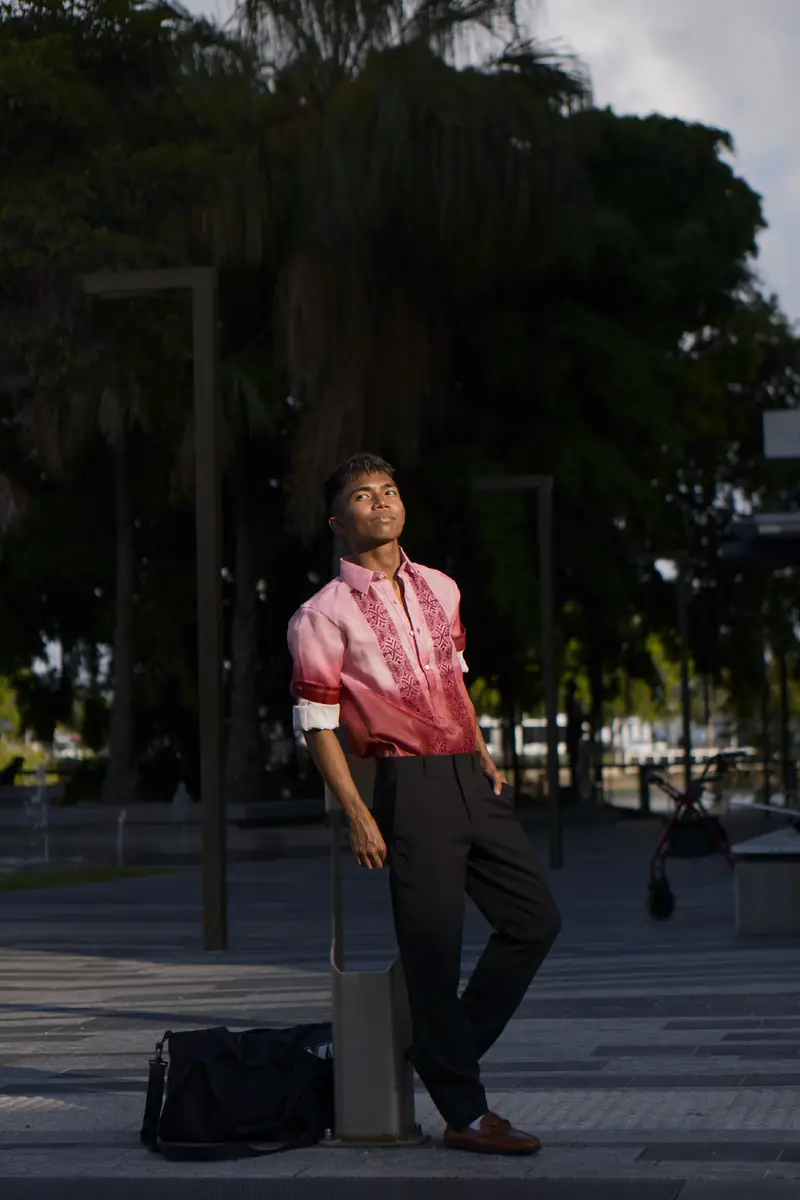
How to edit a portrait naturally
A natural portrait edit: light the face, even out skin tones, make the subject stand out from a softer background. With the raw file to follow along.
Intermediate7 min Raw + settings

How to edit night city photos
Tame bright city lights, clean up noise, open the shadows and keep the night dark. A night photo edit, step by step, with the raw file.
Intermediate6 min Raw + settings
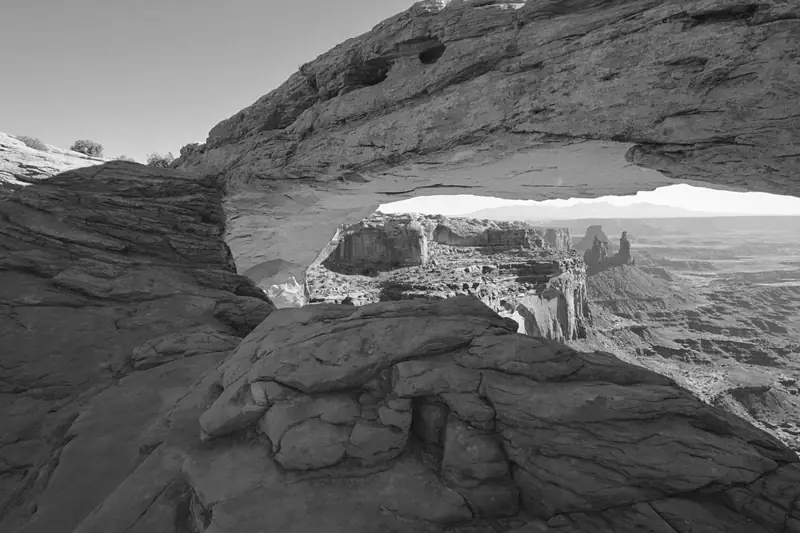
How to make a black and white photo that pops
A black and white edit with depth: convert, mix the colours into the right greys, build contrast, and finish with grain. With the raw file to follow along.
Intermediate6 min Raw + settings
Using LightBites
Short how-tos for iPhone, iPad and Mac, from your first import to sharing the result.
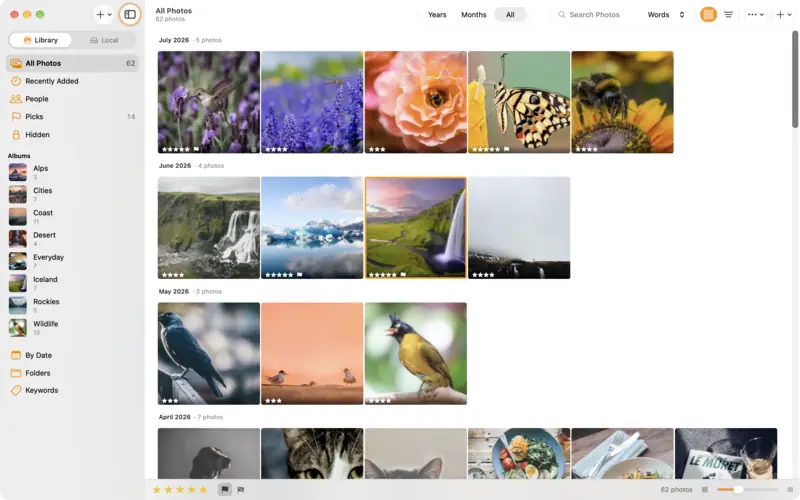
Get started with LightBites
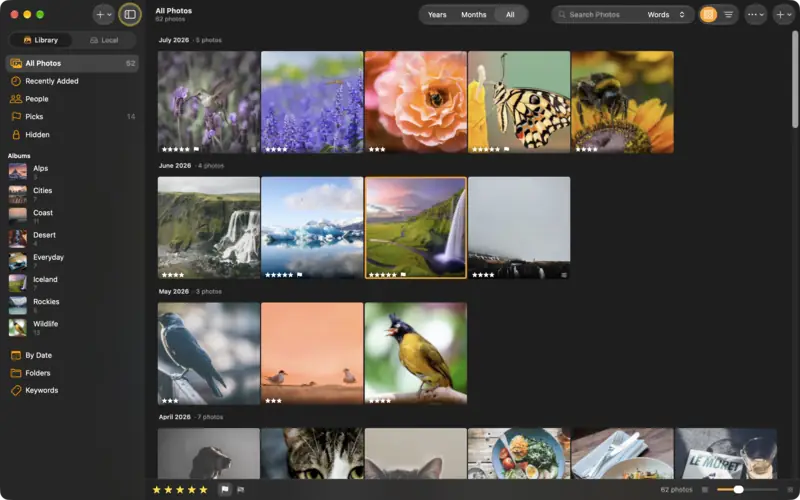
Add photos from Photos, Files, a camera or a Mac folder, check what comes in, and find your way around the library.
Beginner3 min
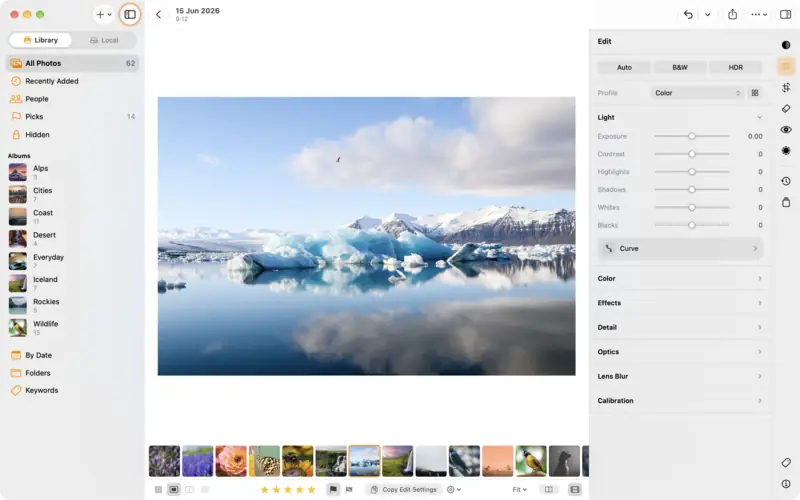
Rate, flag and sort your photos into albums
Cull a shoot fast with stars and flags, group photos in albums, add keywords, and filter the library down to your best.
Beginner4 min
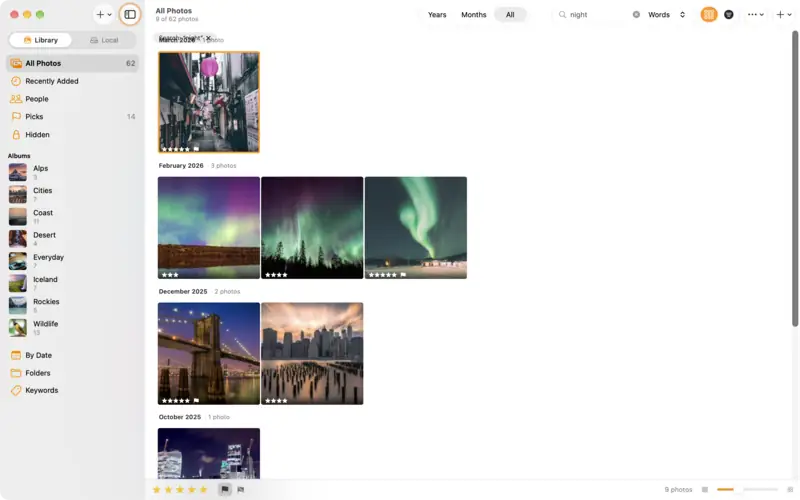
Find any photo with search
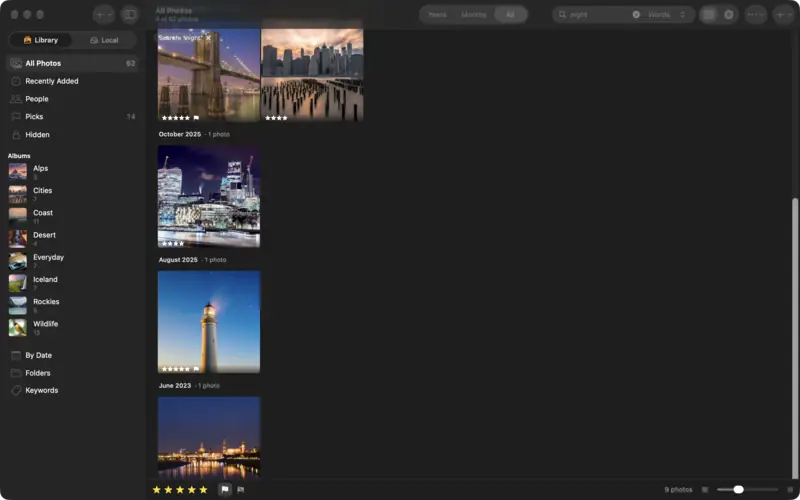
Find photos by place, date, camera or keyword, describe the one you remember, browse the map, and save a search as a smart album.
Beginner3 min
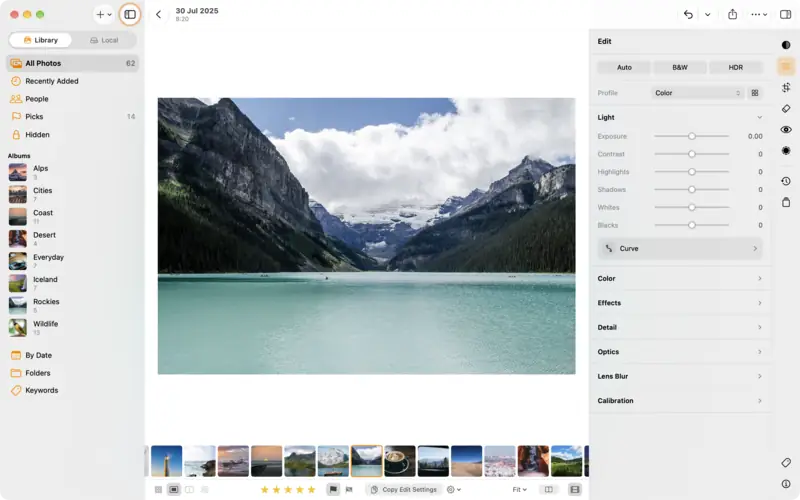
Edit a photo: the basics
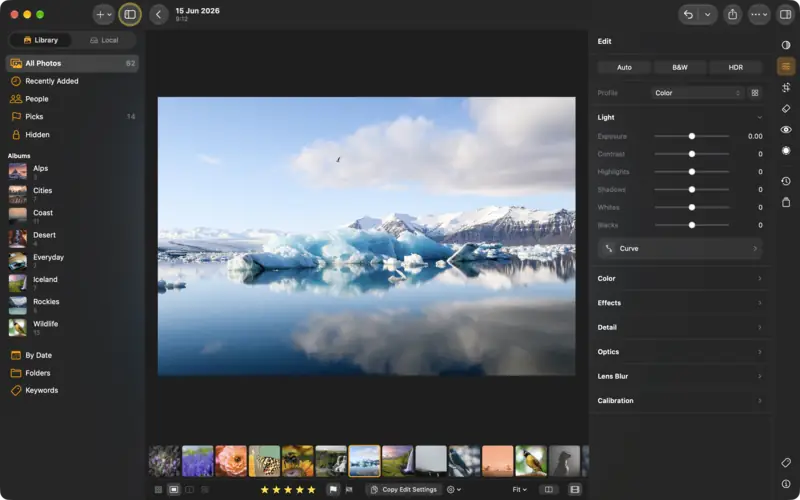
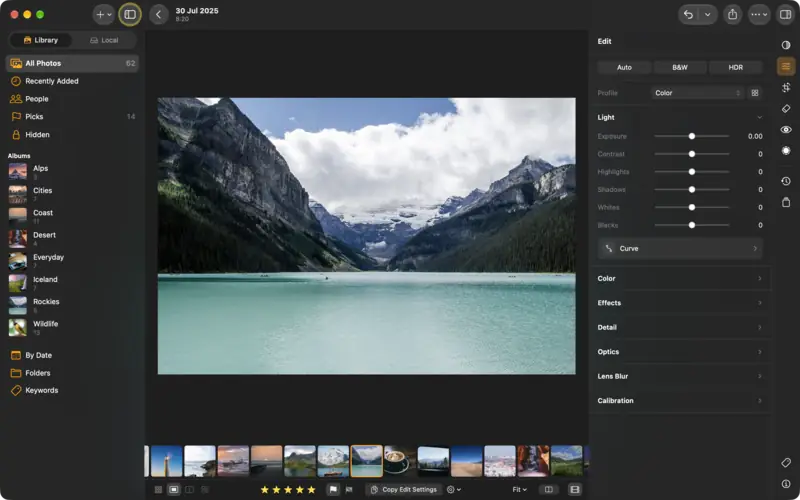
The editor in five minutes: the edit groups, Auto, the Light and Color sliders, comparing before and after, undo, and dials or sliders.
Beginner5 min
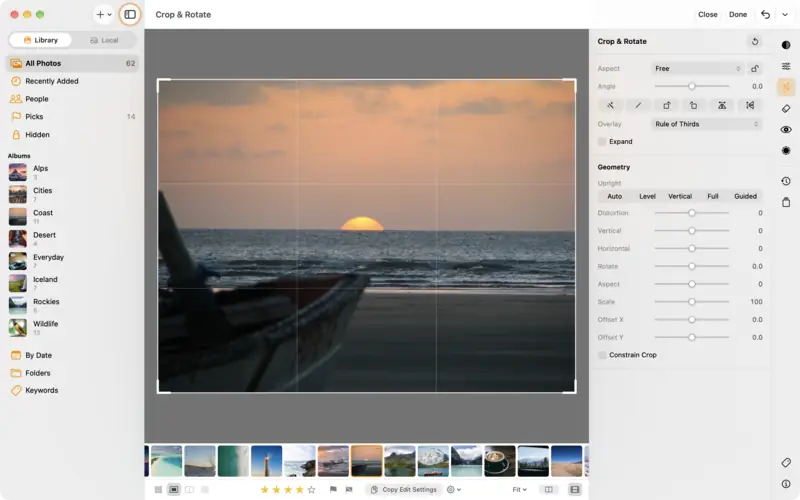
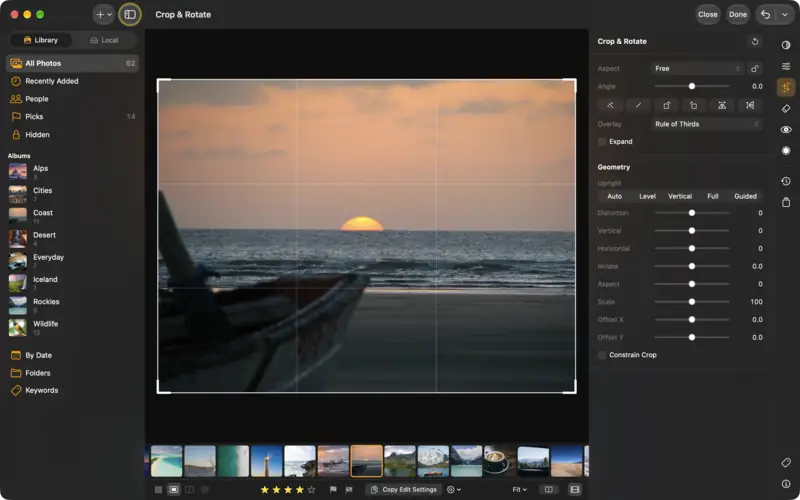
Crop and straighten a photo
Level a crooked horizon, crop to 4:5, 9:16 or square for social media, rotate and flip, and change it all again later.
Beginner3 min
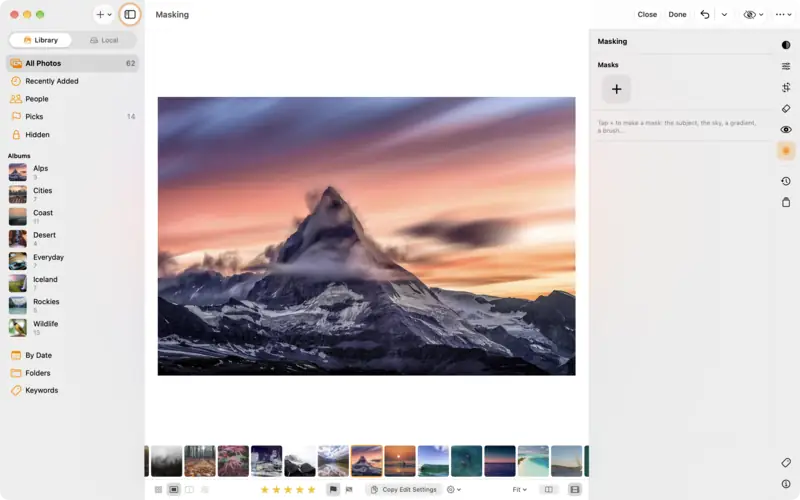
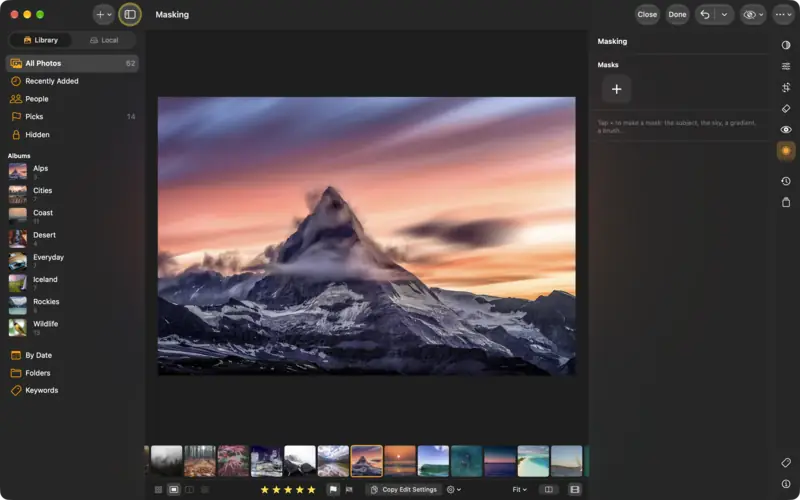
Edit part of a photo with masks
Brighten just the subject, darken just the sky, or fade an edit across the frame with a gradient. Masks in LightBites, step by step.
Intermediate5 min
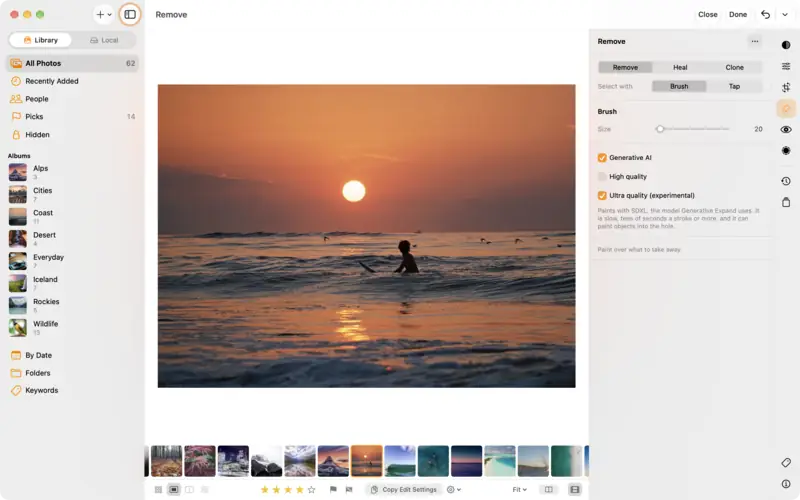
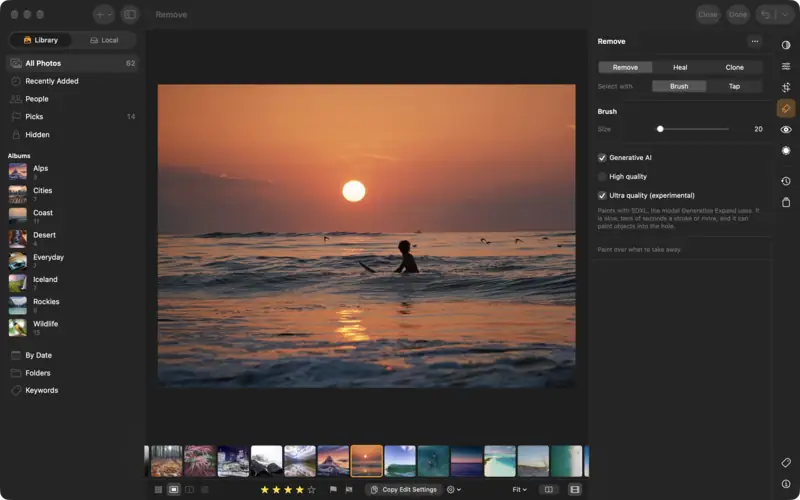
Remove people and objects from a photo
Paint over a distraction and LightBites fills it in. Remove, Heal and Clone, Generative AI for big objects, and dust spots.
Beginner3 min
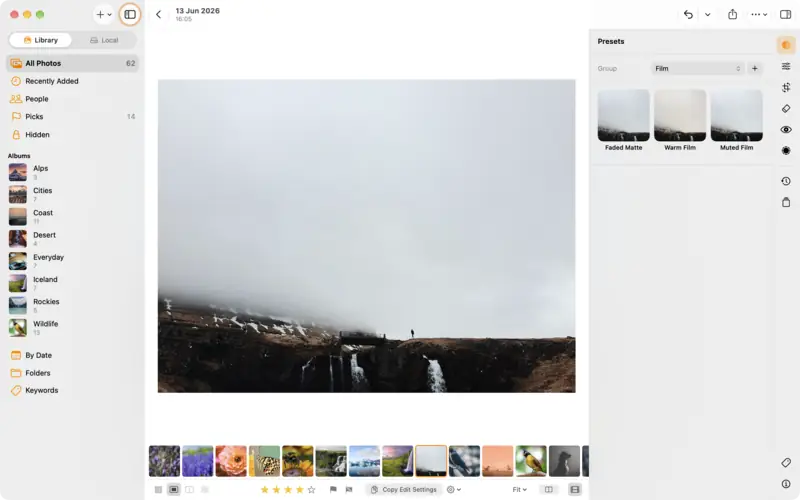
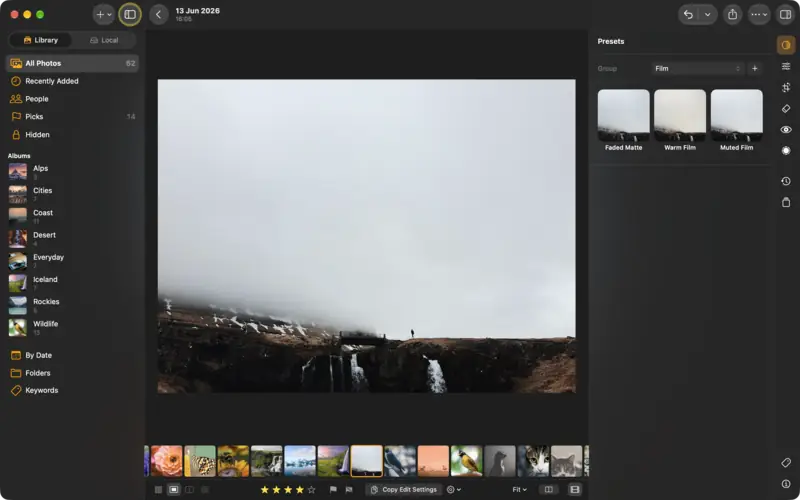
Use, make and import presets
Apply a look in one tap, save your own edit as a preset, import Lightroom and XMP presets, and copy an edit to other photos.
Beginner4 min
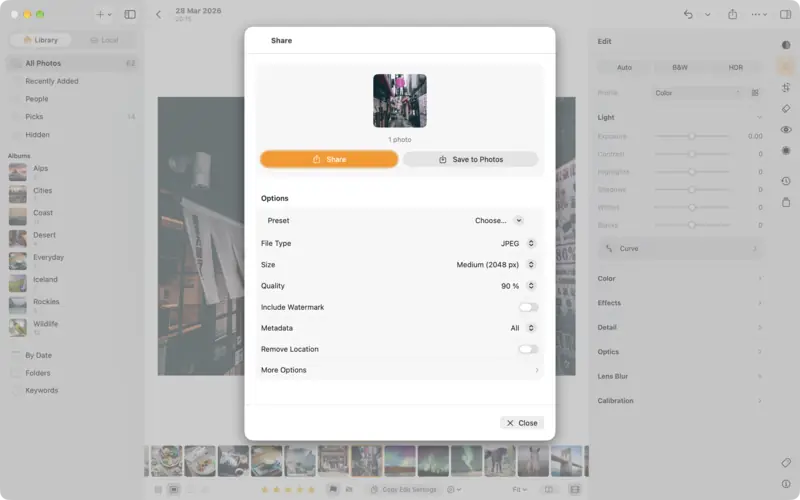
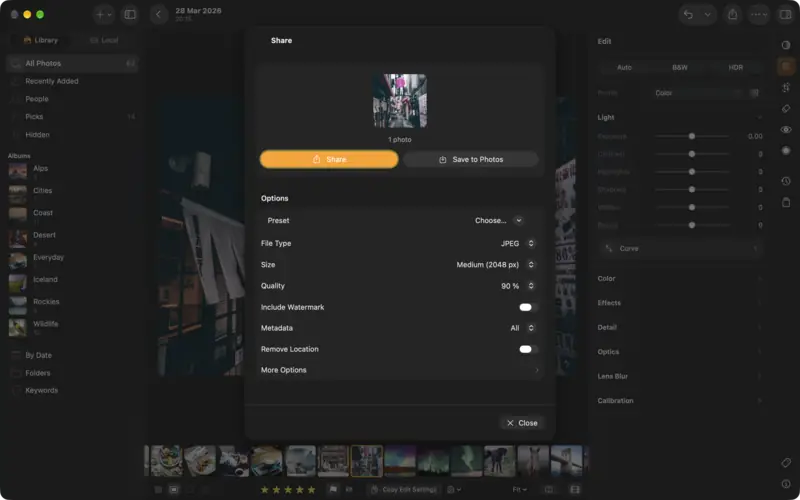
Export and share your photos
Send an edit to Messages, AirDrop or Photos, choose JPEG, PNG, TIFF, AVIF or the original, pick the right size, and keep your location private.
Beginner3 min