Step 1
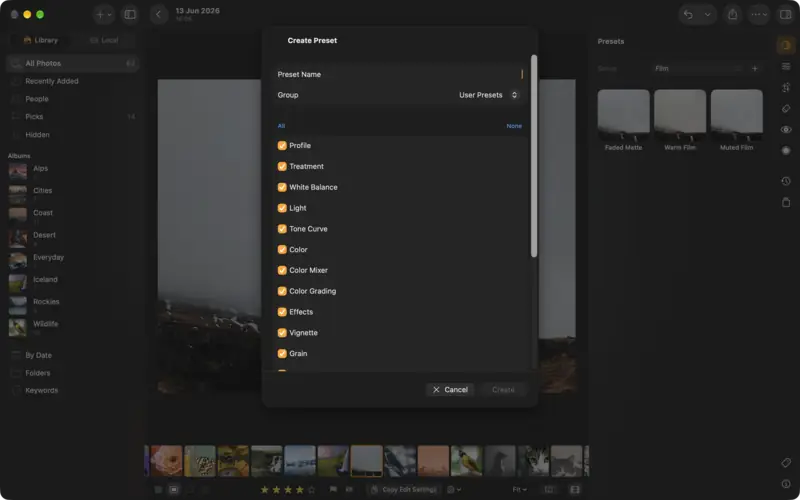
Try a preset
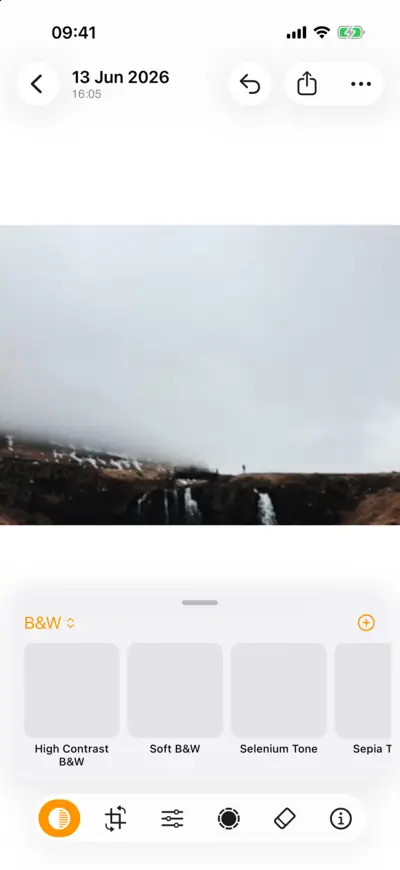
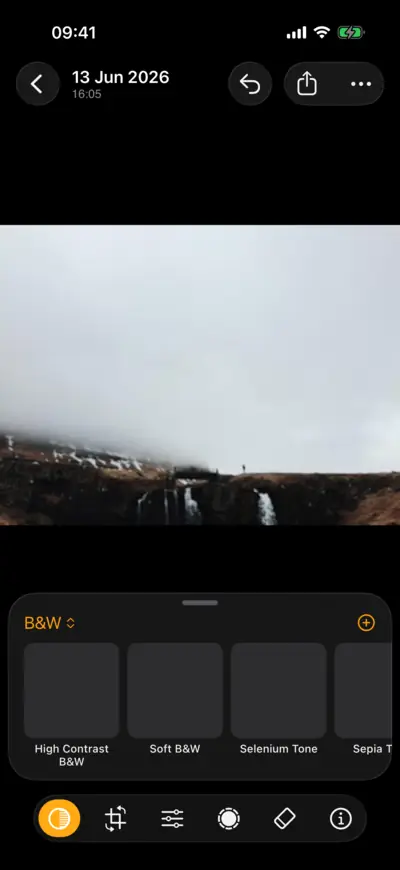
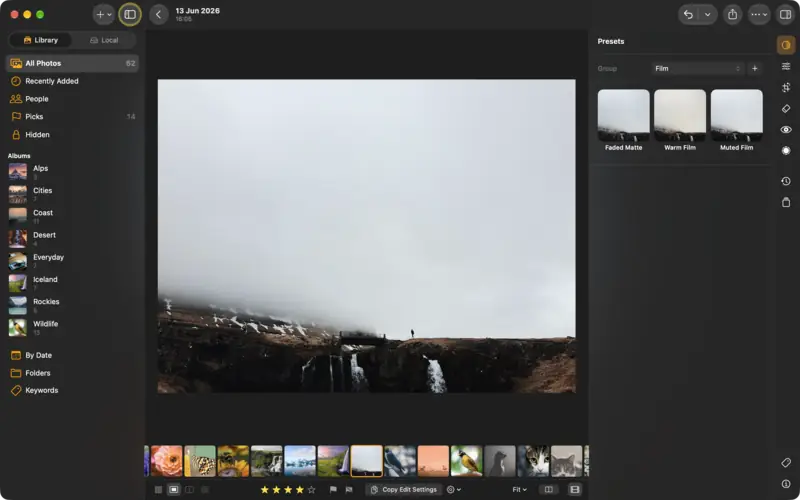
Step 1: Try a preset 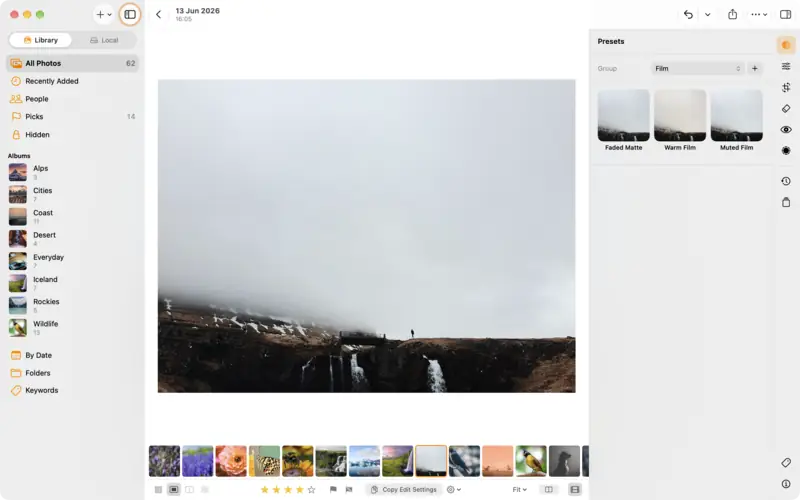
Step 1: Try a preset Step 2
Save your own
Settings
- Light
- Contrast
- +15
- Highlights
- −30
- Shadows
- +20
- Color
- Vibrance
- +15
- Effects
- Clarity
- +8
- Vignette
- −10
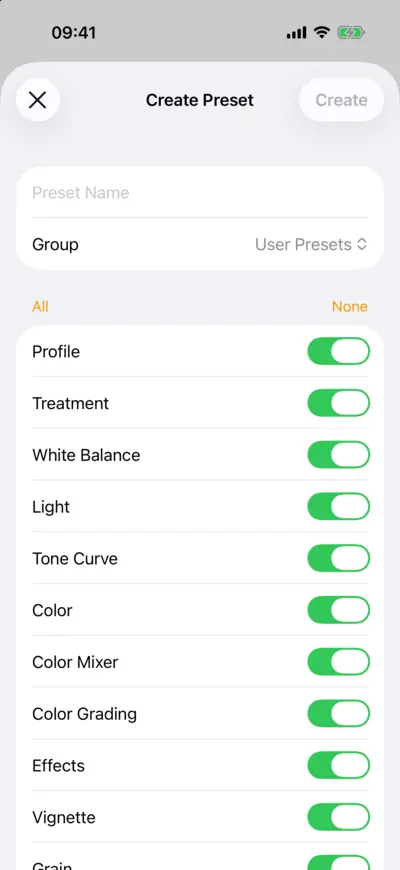
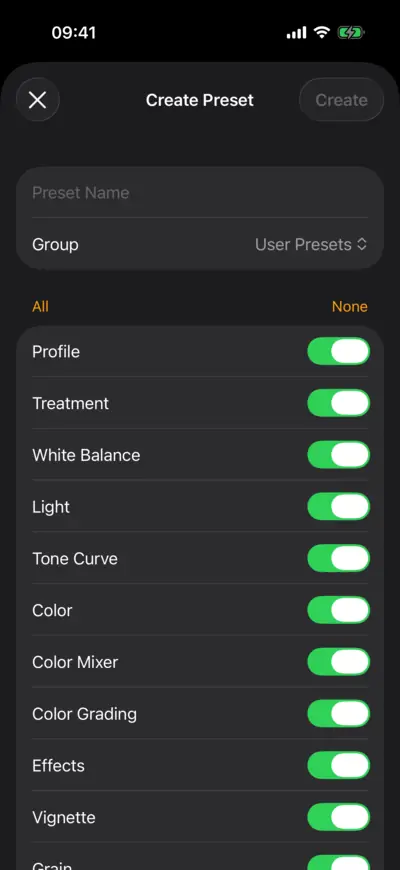
Step 2: Save your own 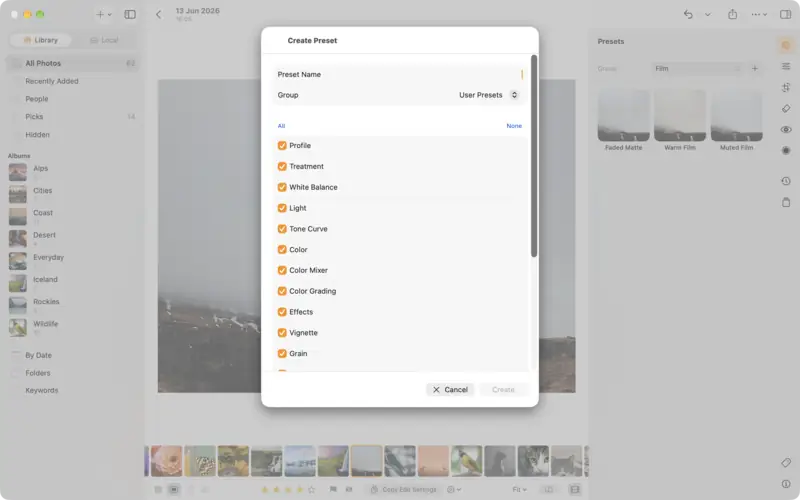
Step 2: Save your own Step 3
Import presets
Step 4
Copy an edit to other photos
Questions
Yes. LightBites imports XMP presets and classic .lrtemplate files, alone or zipped. They map onto LightBites's own settings, so the look comes across closely, though not always pixel for pixel.
Yes, when your devices sync through a LightCraft server: presets follow you like photos and edits.
Read next
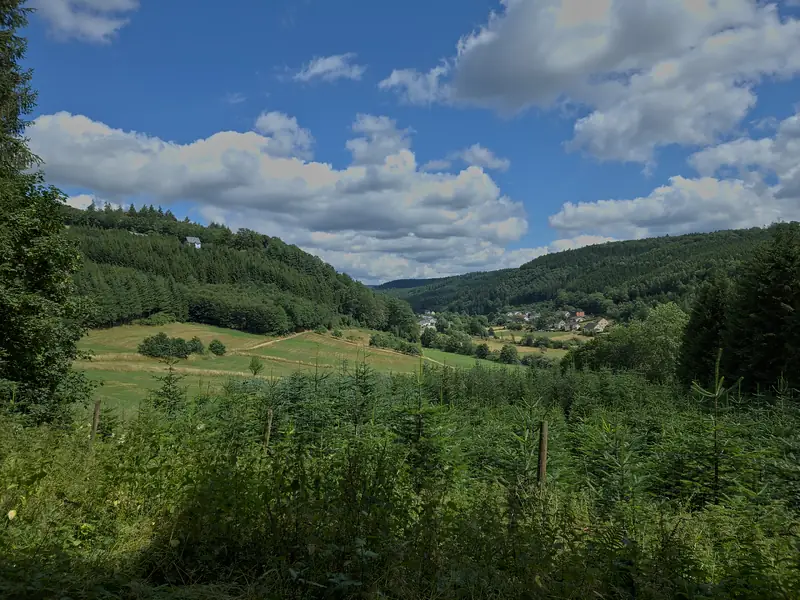
How to edit a raw photo, in the order the pros do
A raw file is where a great photo starts. The order to work in, from profile and white balance to tone, colour and sharpening, with a raw file to practise on.
Beginner8 min Raw + settings
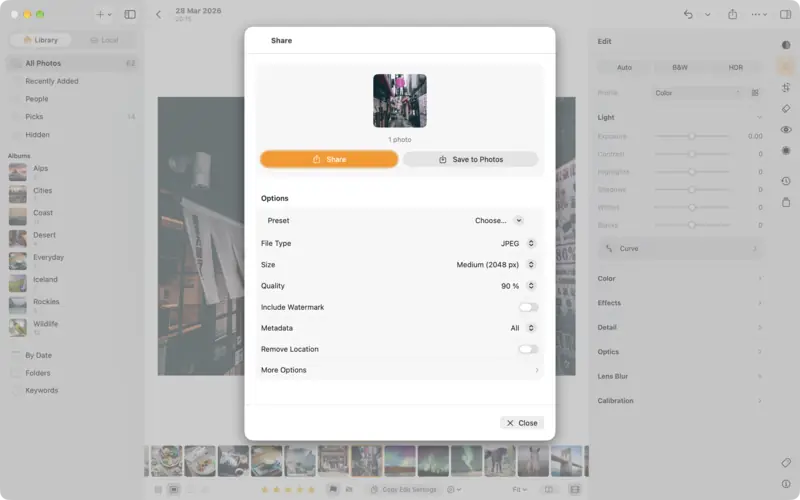
Export and share your photos
Send an edit to Messages, AirDrop or Photos, choose JPEG, PNG, TIFF, AVIF or the original, pick the right size, and keep your location private.
Beginner3 min