Step 1
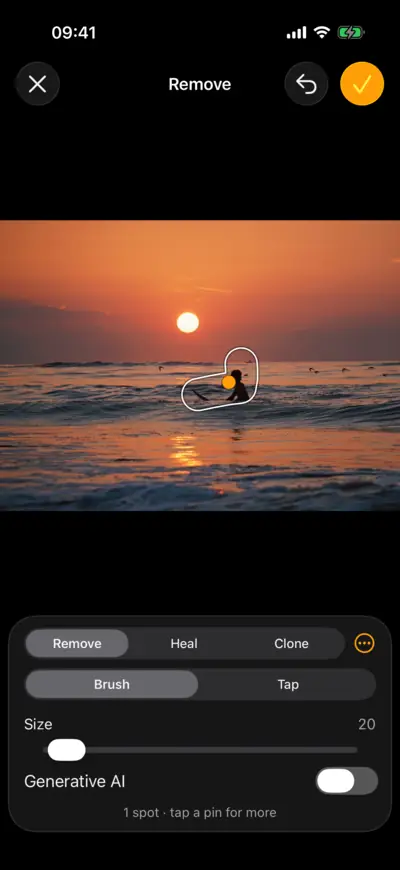
Open Remove
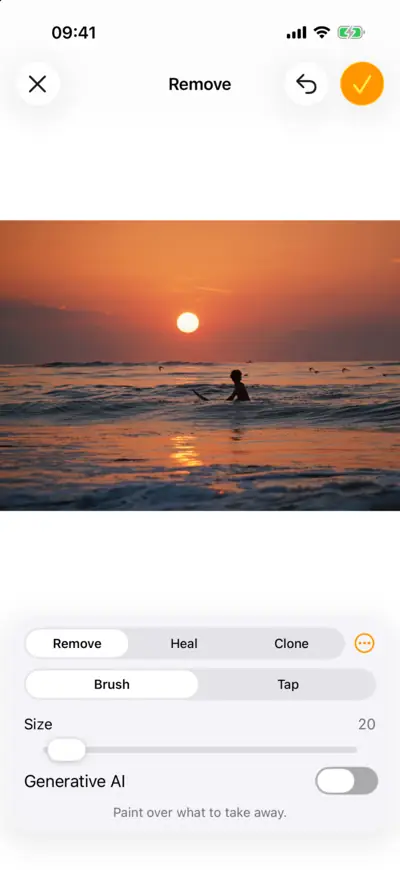
Step 1: Open Remove 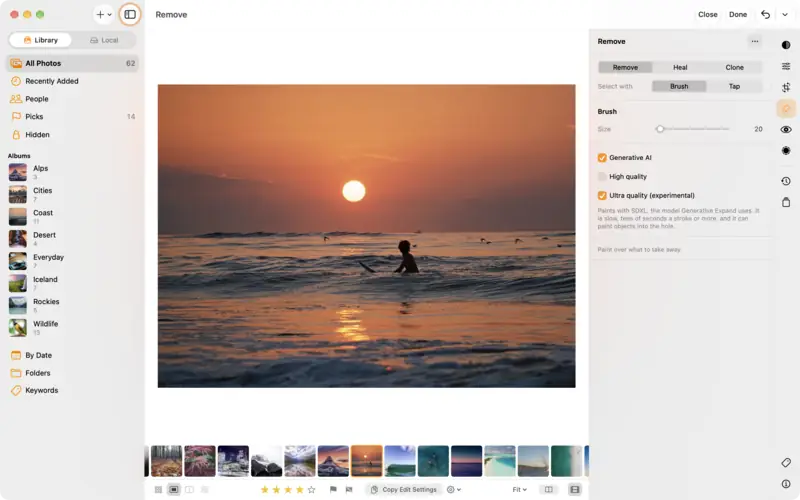
Step 1: Open Remove Step 2
Paint over it
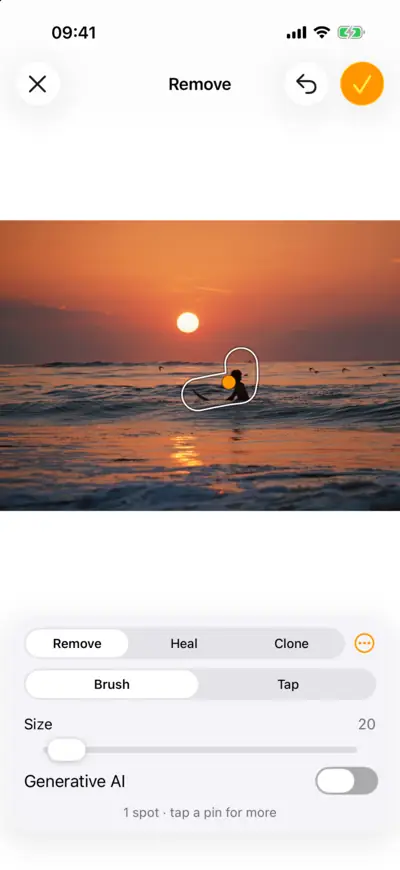
Step 2: Paint over it 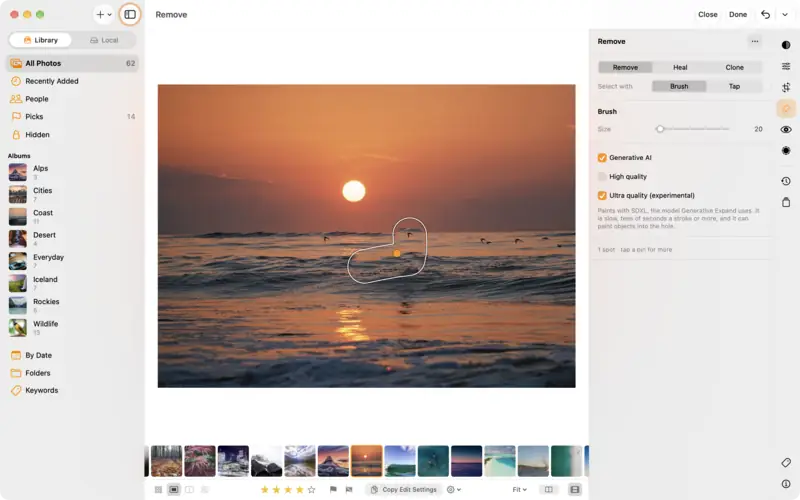
Step 2: Paint over it Step 3
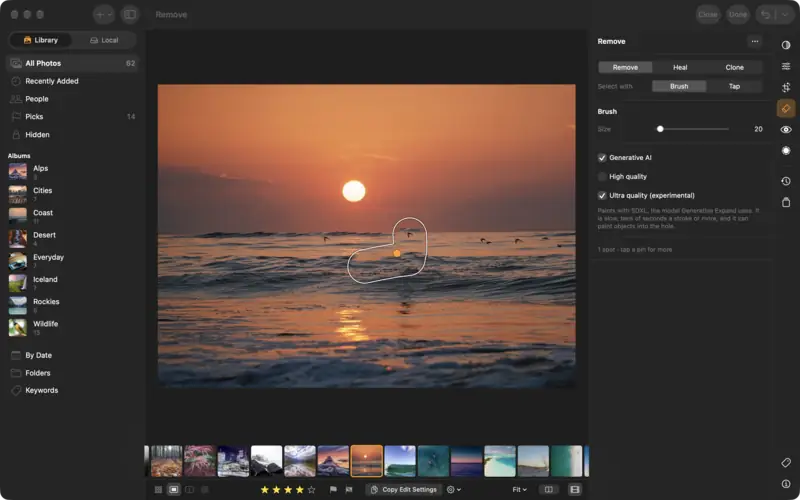
Bigger things: Generative AI
Step 4
Clean up dust spots
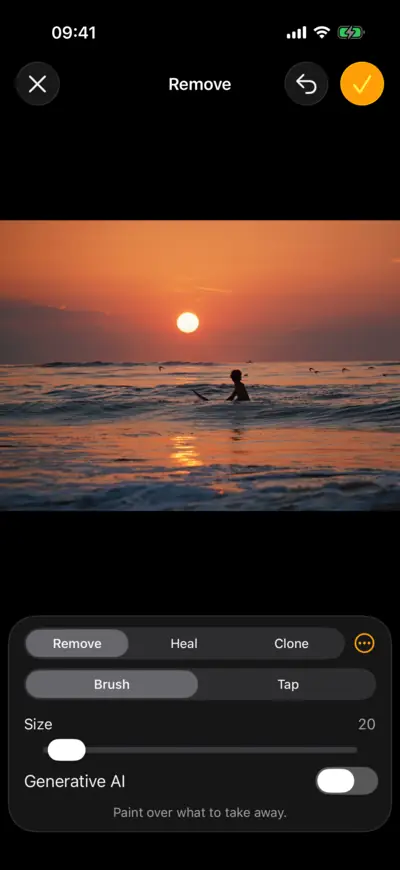
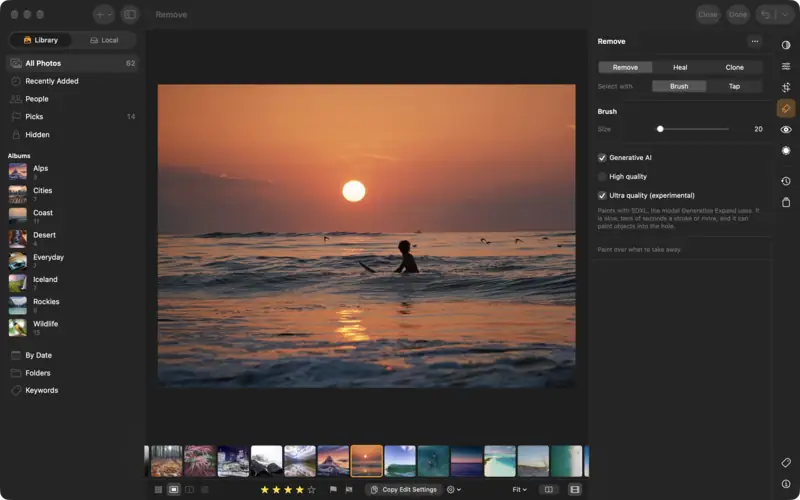
Questions
No. Each removal is an edit you can undo or delete later: Delete All Spots in the … menu takes them all away.
No. Its model is downloaded once and runs on your device.
Read next
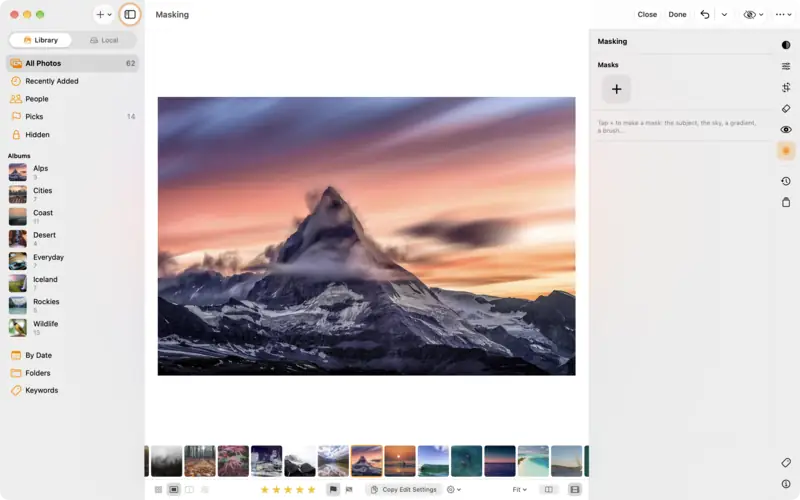
Edit part of a photo with masks
Brighten just the subject, darken just the sky, or fade an edit across the frame with a gradient. Masks in LightBites, step by step.
Intermediate5 min
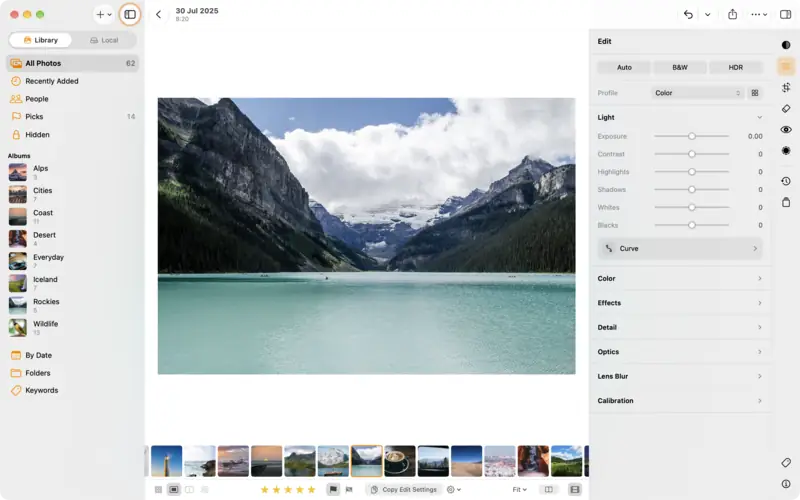
Edit a photo: the basics
The editor in five minutes: the edit groups, Auto, the Light and Color sliders, comparing before and after, undo, and dials or sliders.
Beginner5 min